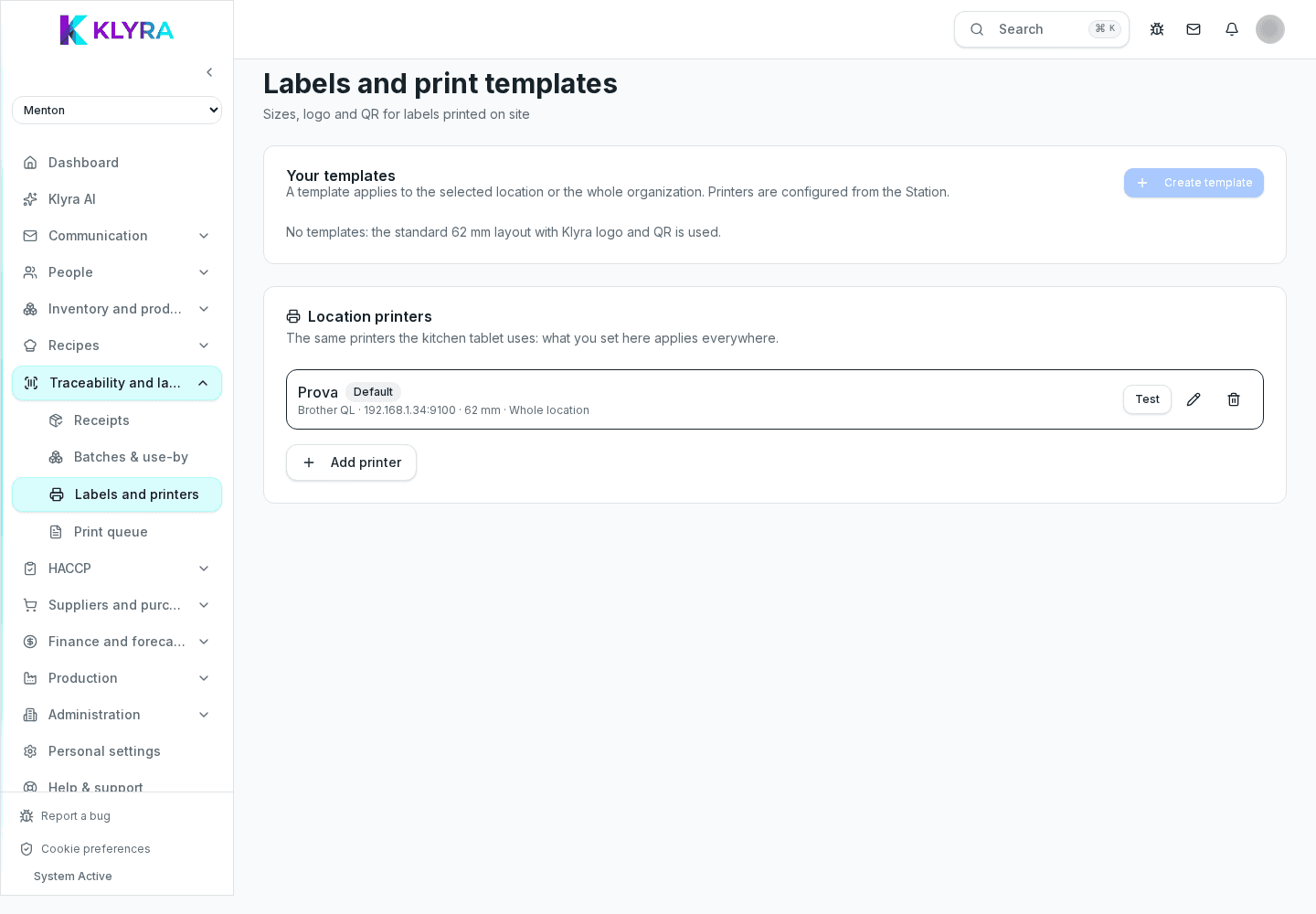
How to declare a kitchen preparation to automatically consume ingredients from stock and print the dish label.
Declaring a preparation is the step that links the recipe to actual stock: when you confirm a dish has been made, KlyraOS automatically consumes the ingredients used and can generate a traceable batch, ready for label printing.
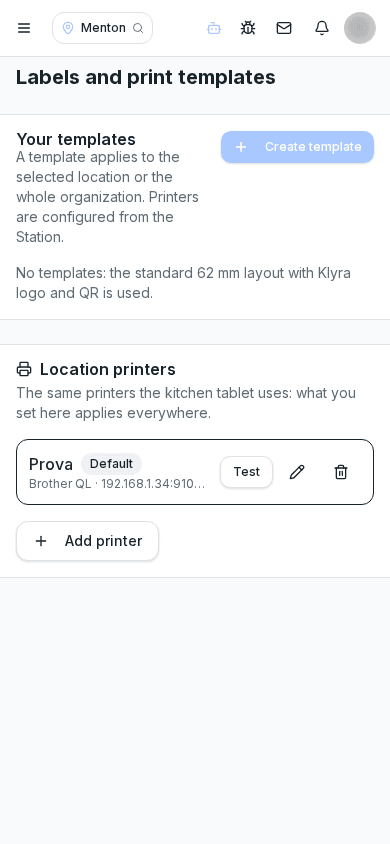
Before declaring, you can scale the recipe against the standard portions, for example for a larger batch ahead of an event: KlyraOS automatically recalculates the quantity of every ingredient.
On confirming the declaration, the system consumes the ingredients from stock in the quantities actually used, keeping stock levels current without needing separate manual entries.
If the preparation generates a traceable product, KlyraOS creates a batch linked to the consumed ingredients and proposes printing the label with production date and calculated expiry.
It is good practice to declare the preparation as soon as it is finished, not at the end of the shift: this keeps stock realistic throughout service.
What happens to stock when I declare a preparation?
The ingredients used are automatically consumed from stock in the quantities calculated by the recipe, possibly scaled.
Can I scale a recipe for a larger batch?
Yes, you can set the desired number of portions and KlyraOS recalculates every ingredient quantity.
Is label printing required after every declaration?
Not always, but it is recommended for traceable products so the production date and expiry are always visible in the kitchen.
Was this guide helpful?
Still need help?
Describe the issue: page, location, organisation and role are attached automatically.
Contact support