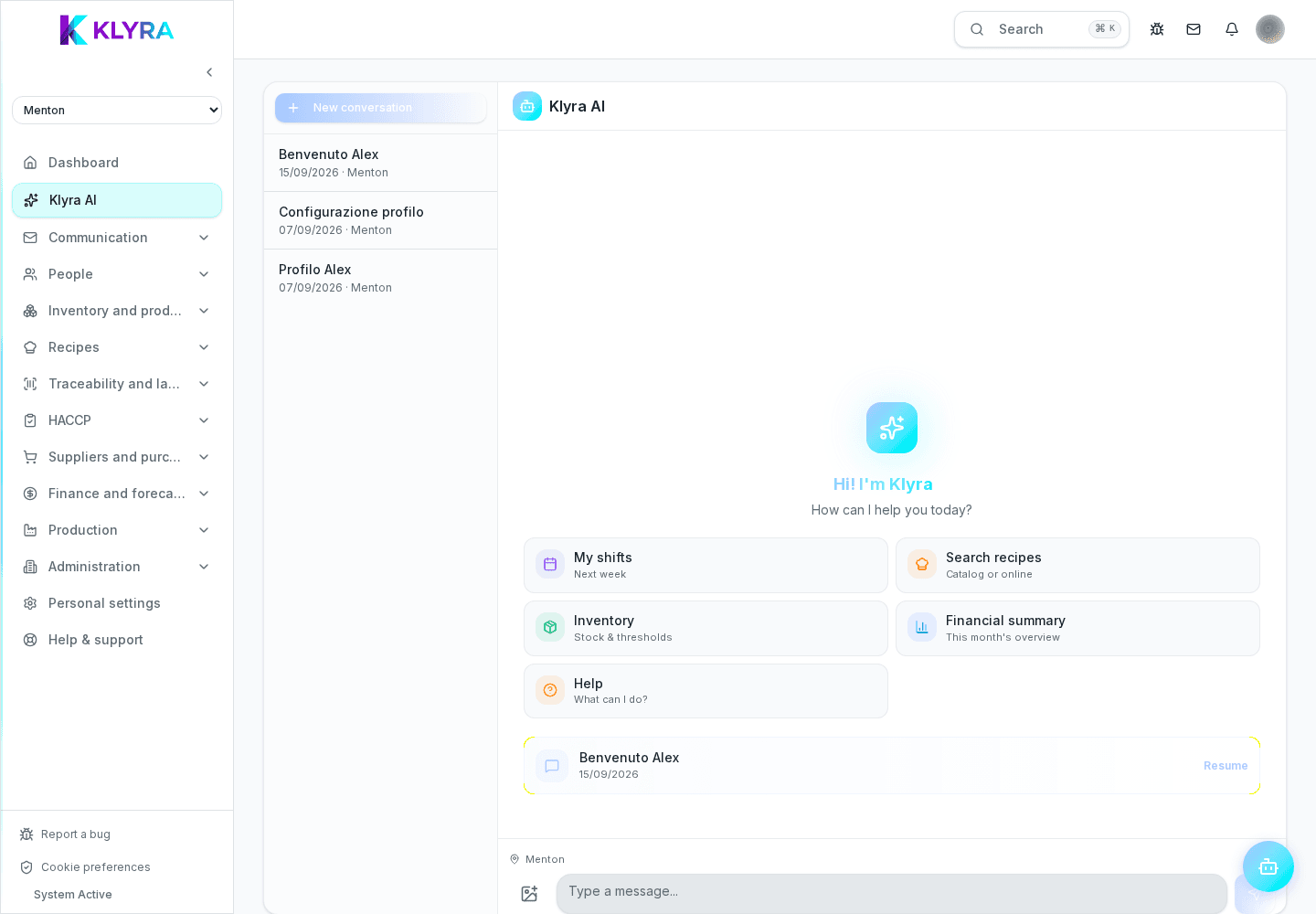
What KlyraOS’s AI assistant does, which questions you can ask, and why it never sends supplier orders on its own.
KlyraOS Assistant is a conversational helper connected to your site’s real data: stock, expiry dates, shifts, recipes and costs. You can ask it in plain language instead of browsing several screens, and in some cases it can even prepare an operation, which always stays under your control.
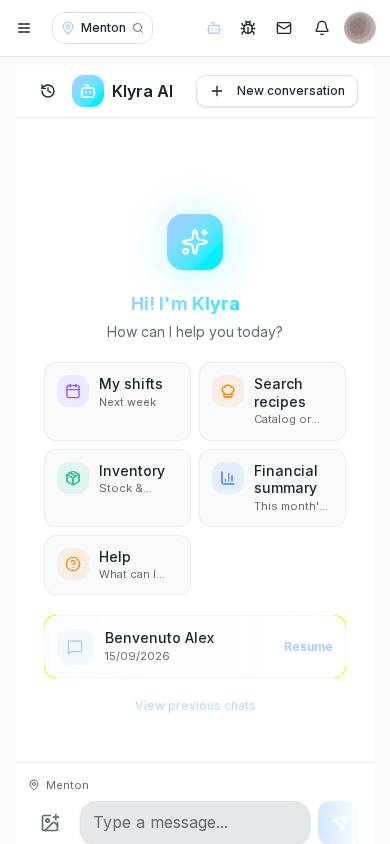
The assistant reads the same data you see in the app’s dedicated sections and returns it as a direct answer: how many bottles are left in stock, which batches expire soon, who works tomorrow evening, or what a recipe costs.
Besides answering, the assistant can draft an operational action, for example a restocking request or a label to print: nothing is executed until you confirm it yourself.
This is a non-negotiable product limit: the assistant never sends an order to a supplier on your behalf. It can only prepare a restocking request, which stays in draft in the suppliers section until you review and confirm it.
The assistant respects the same permissions that govern access to the app’s sections: if your role cannot see financial data, it will not use it in the answers it gives you. It only works with your organisation’s data.
It is handy for quick questions during service, for calculations that would otherwise take several manual steps, and for spotting expiring or low-stock products early, but it does not replace a manager’s judgement on complex decisions.
Can the assistant order from suppliers on its own?
No, it never does: at most it prepares a restocking request draft that stays pending until you confirm it from the suppliers section.
Do I need a special permission to use the assistant?
No, it is available to all staff, but answers still respect the permissions already assigned to your role.
Can I ask for a recipe’s food cost?
Yes, the assistant calculates food cost based on registered ingredients and the most recent purchase prices.
Is the data the assistant uses shared with other organisations?
No, it works exclusively with your organisation’s data and respects the separation between different sites and customers.
Was this guide helpful?
Still need help?
Describe the issue: page, location, organisation and role are attached automatically.
Contact support