How to use the team board, direct messages and notification preferences to reach your team with the right info.
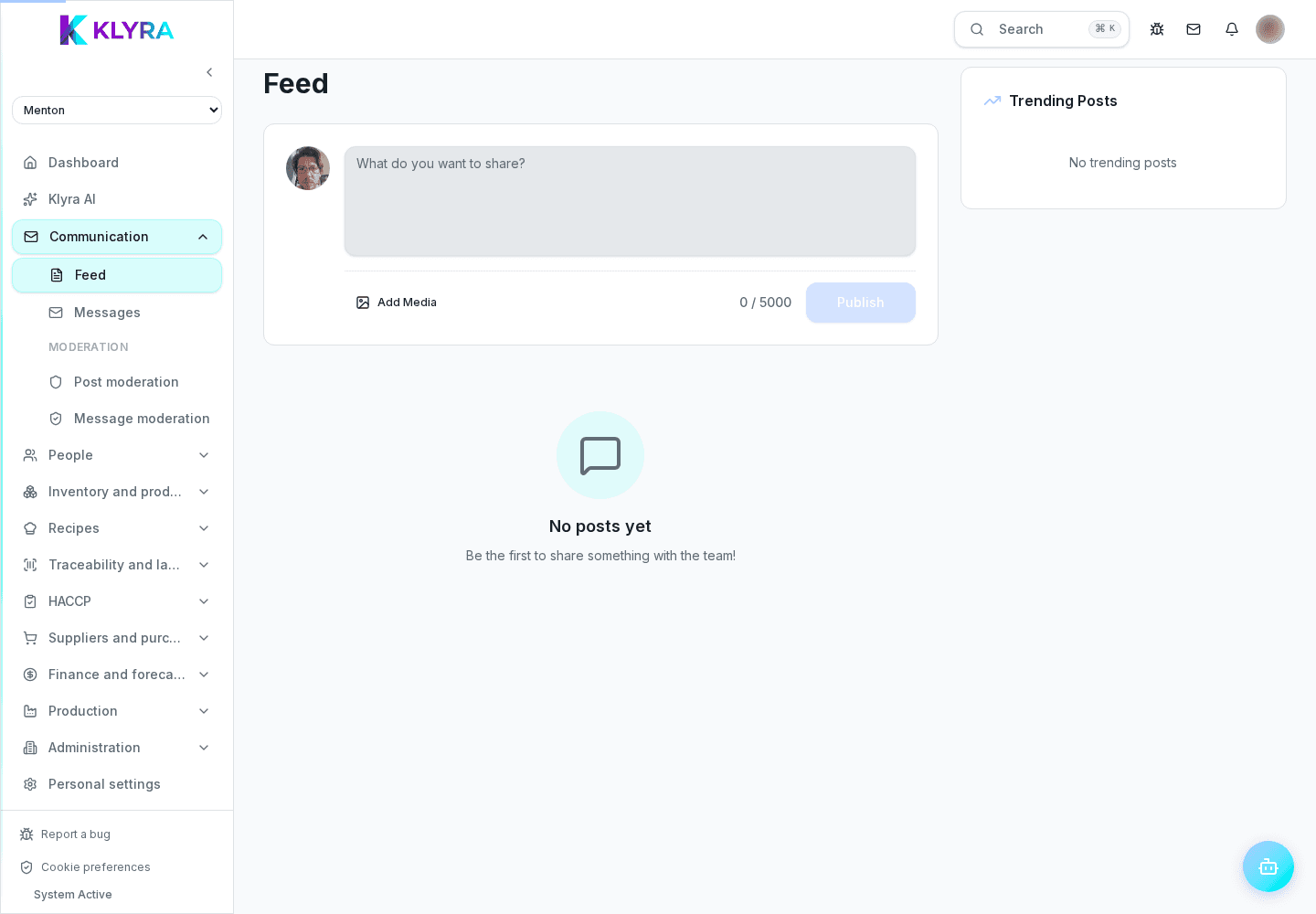
The Communication area brings together the channels to talk to your team: the board for official announcements, chat for quick operational exchange and notifications so nothing important gets missed. Each person can tune what they receive and how.
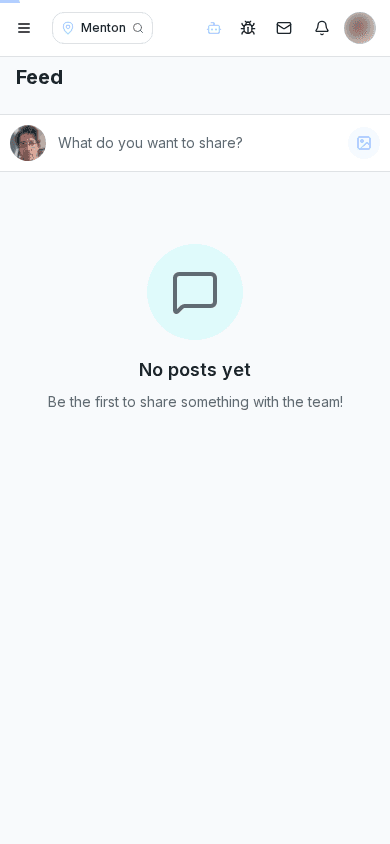
Board announcements reach the whole site, a department or a chosen group. For the most important messages you can require a read receipt and see who is still missing.
Internal chat is for quick questions between colleagues or coordinating a department: it does not replace the board for official procedures everyone must confirm they've read.
Each person chooses the channel (push, email, in app) and time windows for every notification type, so they get what matters without being overwhelmed.
Anyone with moderation permission can remove inappropriate content reported by staff and act on the author when needed, with every action tracked.
What's the difference between the board and chat?
The board is for official communications everyone must read, with a read receipt; chat is for quick operational exchange between colleagues.
Can I see who hasn't read an announcement?
Yes, enabling the read receipt shows who has read it and who is still missing.
Can I turn off all notifications?
You can customise nearly every channel, but some mandatory alerts for people managing shifts or approvals always stay on.
Who can moderate the board and chat?
Only people with moderation permission for that site can remove content or act on a report.
Was this guide helpful?
Still need help?
Describe the issue: page, location, organisation and role are attached automatically.
Contact support