How the till-to-KlyraOS integration works: connections, product mapping, daily sales and reconciliation.
The POS page in admin covers everything about the link between your till and KlyraOS: connection status, mapped locations and products, imported sales and reconciliation with finance. It's not something you set up yourself: the connection with your POS provider is pre-provisioned by KlyraOS together with the provider for your organization.
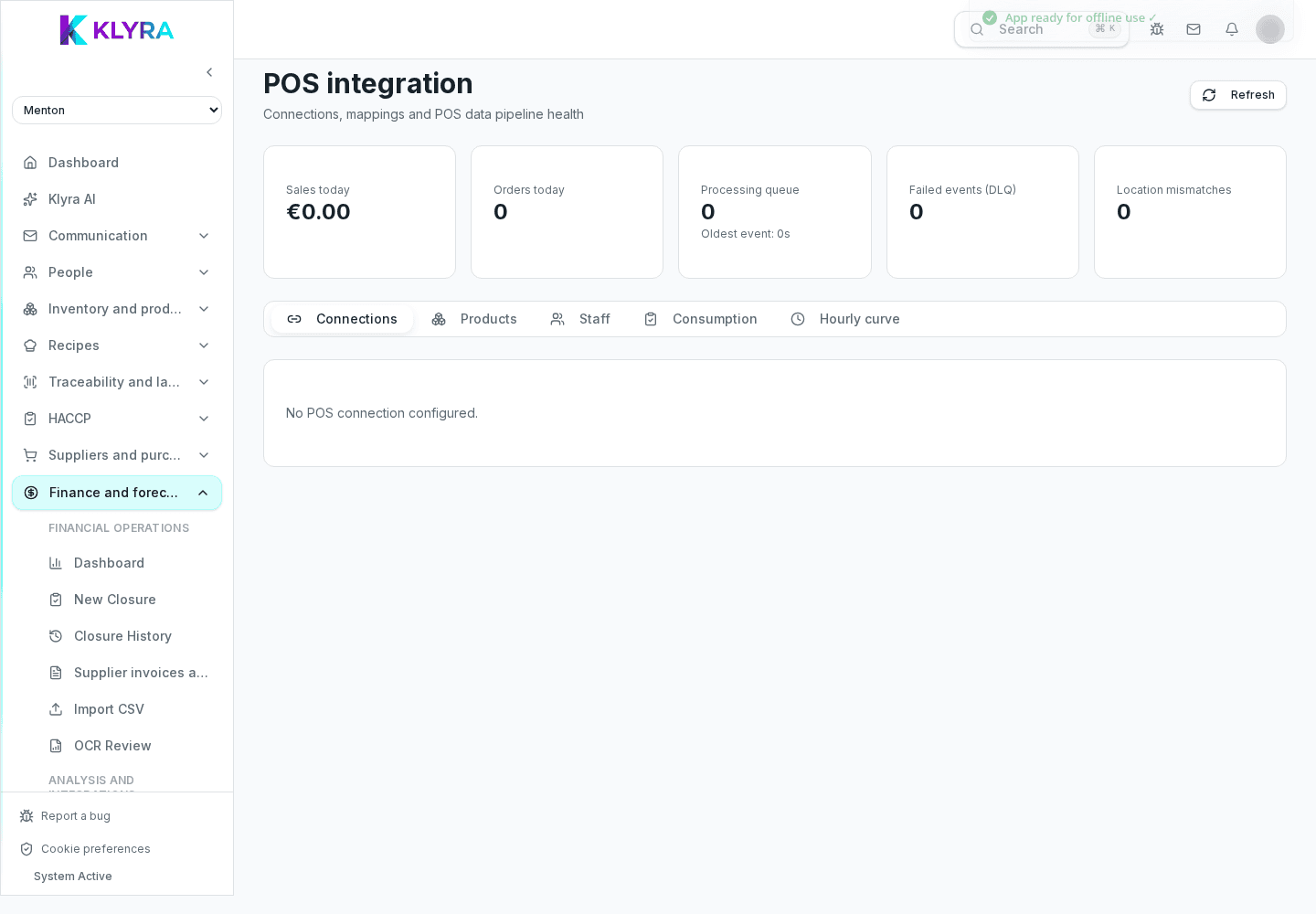
The Connections tab summarizes status, environment and linked locations for each active POS integration; from there you map locations and products and read the day's KPIs.
There's no form to connect a till by entering a code yourself: the connection is pre-provisioned by KlyraOS together with the POS provider. You manage location and product mapping and check status, but you don't create the initial connection.
For sales to correctly feed food cost, every till product must be linked to a KlyraOS recipe or catalog product. Without mapping, the sale is still recorded in totals but doesn't deduct the expected ingredients.
For each connected location you can enable shadow mode, which computes theoretical consumption from sales without actually deducting stock — useful for checking data before relying fully on automation.
The daily sales section shows revenue, receipts and hourly trends in real time; reconciliation compares this with the cash closure recorded in finance and flags discrepancies to review.
Can I connect a till myself by entering a code?
No, the connection with the POS provider is pre-provisioned by KlyraOS together with the provider. You manage location and product mapping and check status.
What happens if a till product isn't mapped?
The sale is still recorded in totals but doesn't automatically deduct the ingredients linked to the recipe, so food cost won't reflect that consumption.
What is shadow mode for?
It calculates theoretical consumption from POS sales without deducting actual stock, so you can verify data before relying on full automation.
Who can manage the POS page?
An organization administrator; from there they map locations, products and staff and check connection status.
What if the till stays disconnected for days?
Check the queue and any failed events (DLQ) on the page, then contact KlyraOS support: the connection is managed centrally.
Was this guide helpful?
Still need help?
Describe the issue: page, location, organisation and role are attached automatically.
Contact support