Upload documents with expiry dates and get announcements or policies signed directly from the app, paperless.
Every employee can have documents linked to their file, such as fitness certificates, training certificates or residence permits. KlyraOS flags expiry dates in advance and lets you get documents signed directly in the app.
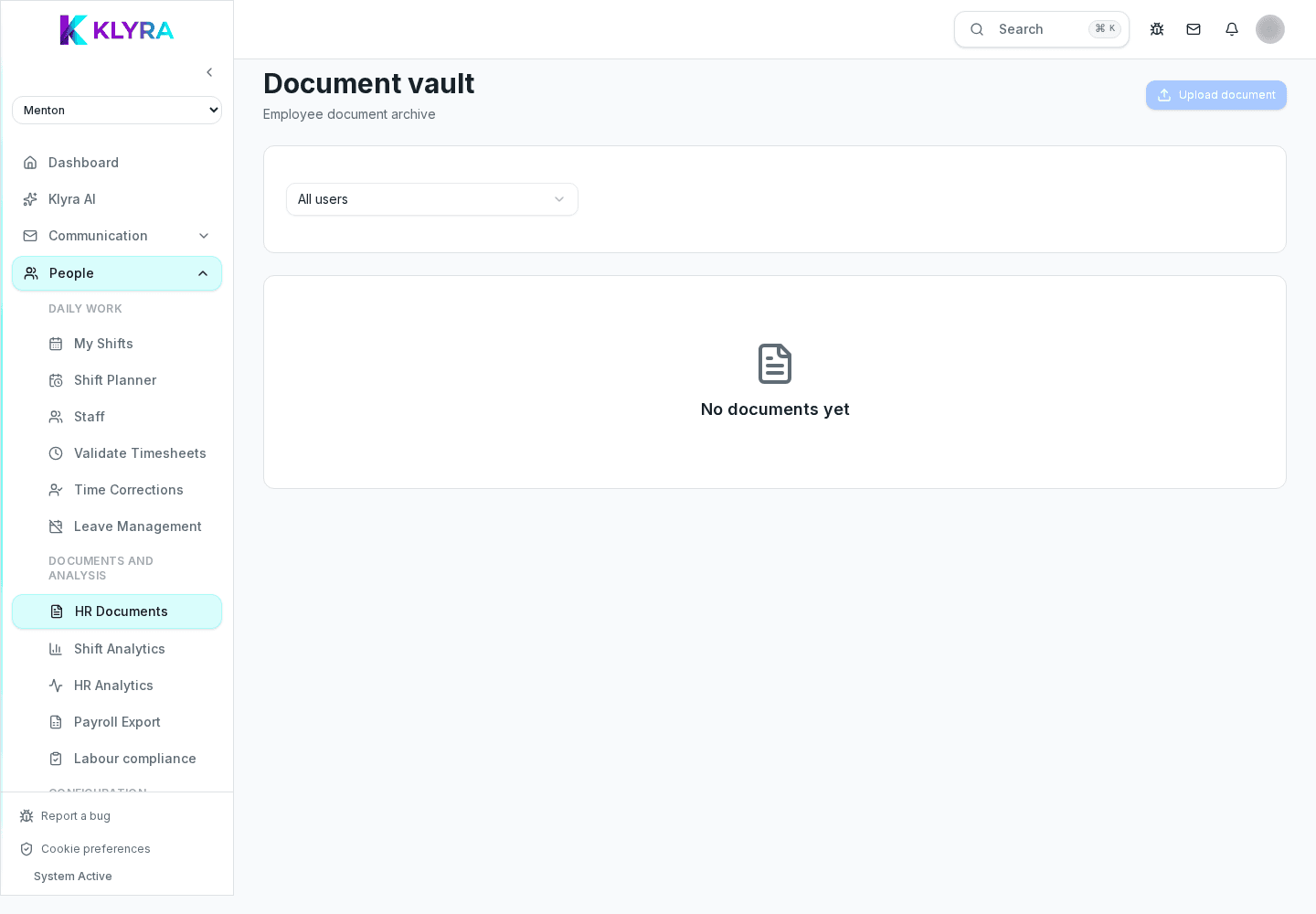
From the person's file you can upload a file (PDF or photo) and set the type and expiry date, if any. The document remains viewable and downloadable at any time.
When a document nears expiry, the manager receives an alert: this avoids discovering an expired fitness certificate during an inspection.
You can send a document for signature (policy, notice, internal procedure) directly to the person's app: the signature is recorded with date and time and stays attached to the document.
During an inspection you can quickly filter documents by type or expiry and show the up-to-date status of all staff on duty.
Is the electronic signature valid for a HACCP inspection?
The signature records date, time and person in a traceable way and is accepted as internal evidence; check specific legal requirements for your country if needed.
Can I be alerted before a fitness certificate expires?
Yes, set the expiry date on the document: you will receive a notification with advance notice before it becomes invalid.
Where do I see all documents expiring across all sites?
From the general HR section you can filter documents by status and site, getting a single list of upcoming expirations.
Was this guide helpful?
Still need help?
Describe the issue: page, location, organisation and role are attached automatically.
Contact support