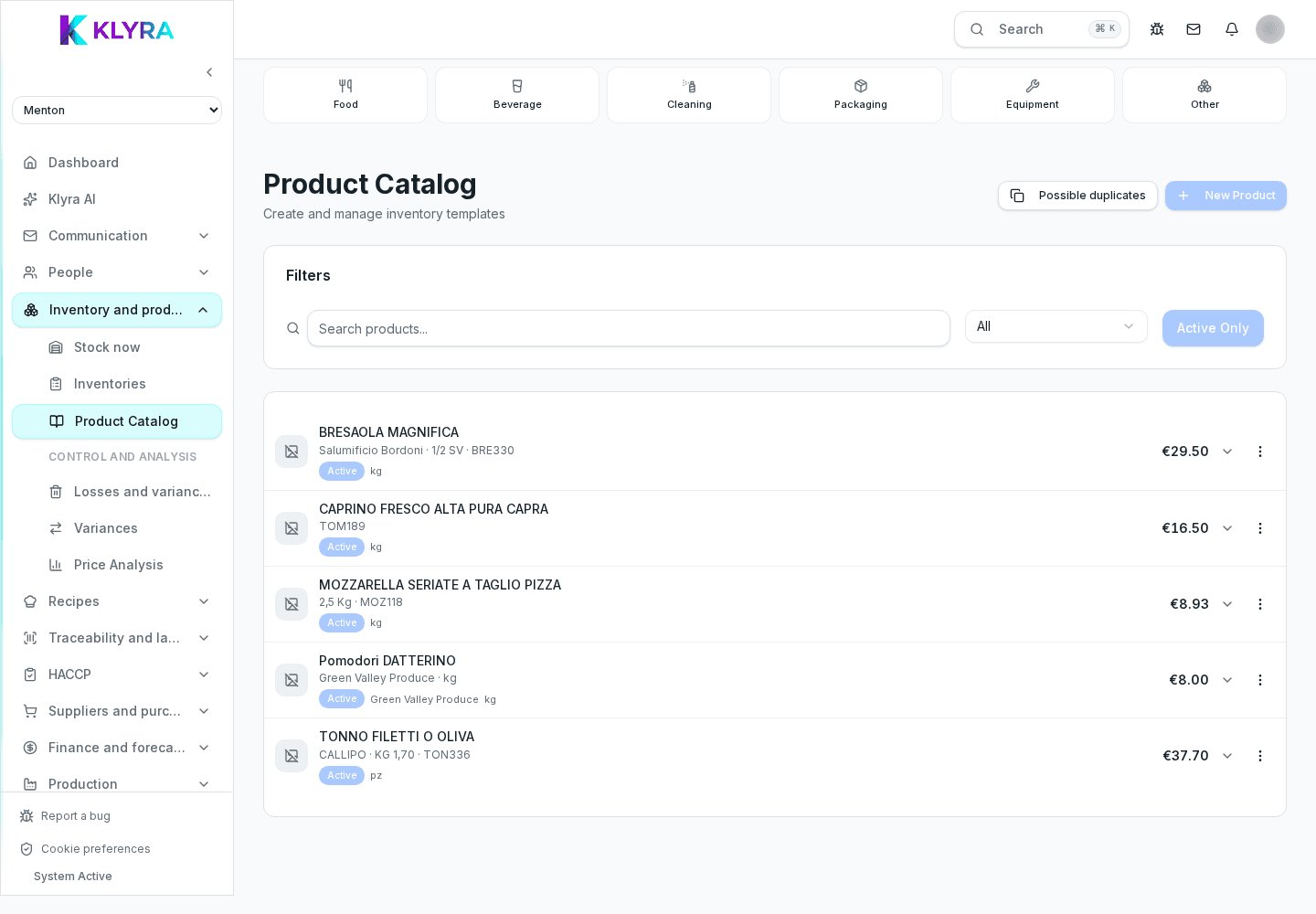
How to set the conversion between the unit you buy in (case, crate, keg) and the unit you consume in (gram, litre, piece) so stock and food cost stay accurate.
Almost every stock and food cost error starts with a wrong conversion: the supplier invoices a case, the kitchen uses grams. In the product card you set once how much a purchase unit is worth in consumption units, and from then on receipts, recipes and inventories all speak the same language.
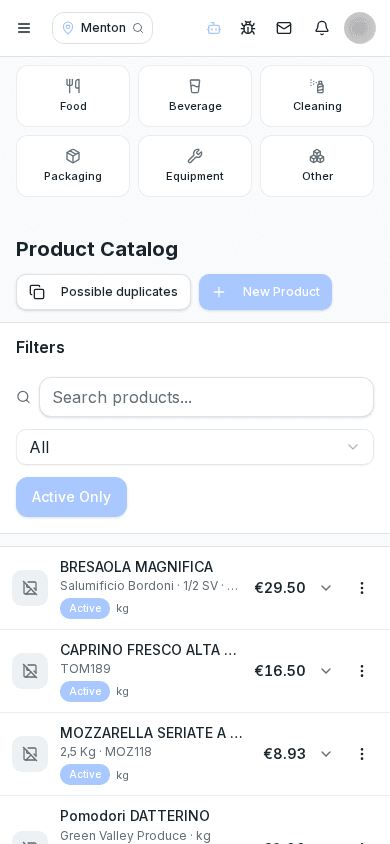
The purchase unit is the one printed on the supplier document (case, crate, keg, pack). The consumption unit is the one used in the kitchen and in recipes (gram, millilitre, piece). The conversion factor states how many consumption units one purchase unit contains.
When you confirm a receipt, KlyraOS converts the purchased quantity into consumption units and updates stock. If the factor is wrong, stock ends up ten or a thousand times off and every later report inherits the error.
For products sold by weight, always enter the usable net weight, not the packaging weight. If a 6 kg case holds 5.4 kg of drained product, that is the figure that makes food cost believable.
Changing the factor on a product that already has active batches changes how future quantities are converted, but does not rewrite history. If the conversion was wrong, fix the factor and then realign stock with a stock count or a recorded adjustment.
Can I use different units for the same product in different recipes?
No: a recipe always uses the consumption unit from the product card. If you need another measure, express it in that same consumption unit.
What happens if I change the conversion factor?
Future conversions use the new value; movements already recorded stay as they are. Realign stock with a count or an adjustment.
The supplier delivers variable weights, what should I do?
Set the consumption unit by weight and enter the actual delivered weight on the receipt instead of a fixed number of packs.
Should I enter net weight or packaged weight?
Always the usable net weight: it is the only one that keeps recipe costing reliable.
Was this guide helpful?
Still need help?
Describe the issue: page, location, organisation and role are attached automatically.
Contact support