What stays viewable, what gets blocked and how to reactivate a site after archiving, in detail.
Archiving a site does not delete anything: it moves the location out of day-to-day operations while keeping the entire history intact. This deep dive covers exactly what stays viewable, what gets blocked, and how to go operational again when needed.
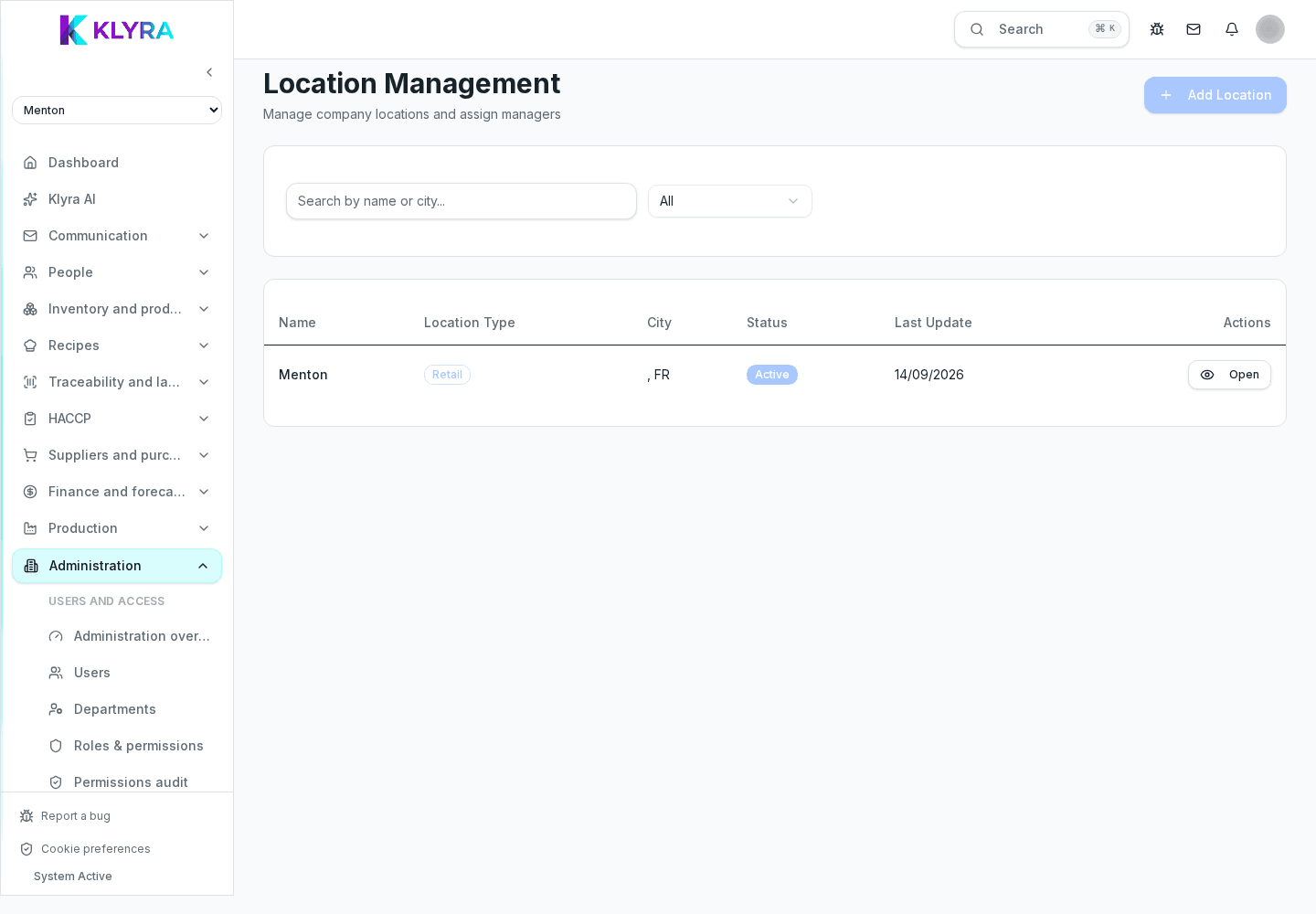
The whole history of the site remains accessible read-only from reports and archives: batches and traceability, goods receipts already recorded, timesheets and clock-in history, and HACCP reports already generated. Nothing is removed, so an archived site can still answer an inspection request or an administrative check about the period it was active.
An archived site no longer appears in operational staff’s site selector, so it is no longer possible to pair new Station tablets to that site, nor to use already paired ones for new clock-ins or checks once unpaired.
Supplier orders still open on the site must be closed or cancelled before archiving: KlyraOS does not close or forward them automatically. Likewise, shift planning does not generate new shifts for an archived site, so future shifts already planned must be removed or moved beforehand.
Setting the site status back to "Active" from its record immediately restores its visibility in the selector and in shift planning. Products, recipes, suppliers and configurations remain as they were before archiving, so nothing needs to be recreated: just regenerate the site code and re-pair the location’s Station tablets.
Do batches and traceability of an archived site stay viewable?
Yes, they remain fully viewable in reports and archives, with no time limits different from an active site.
Can I pair a new Station tablet to an archived site?
No, pairing new devices requires an active site; reactivate it before generating a new site code.
Are open supplier orders closed automatically when archiving a site?
No, KlyraOS does not close or forward any order automatically: they must be handled manually before archiving.
Do I need to recreate products and recipes when reactivating a site?
No, they remain as configured before: just reactivate the status and re-pair the devices.
Was this guide helpful?
Still need help?
Describe the issue: page, location, organisation and role are attached automatically.
Contact support