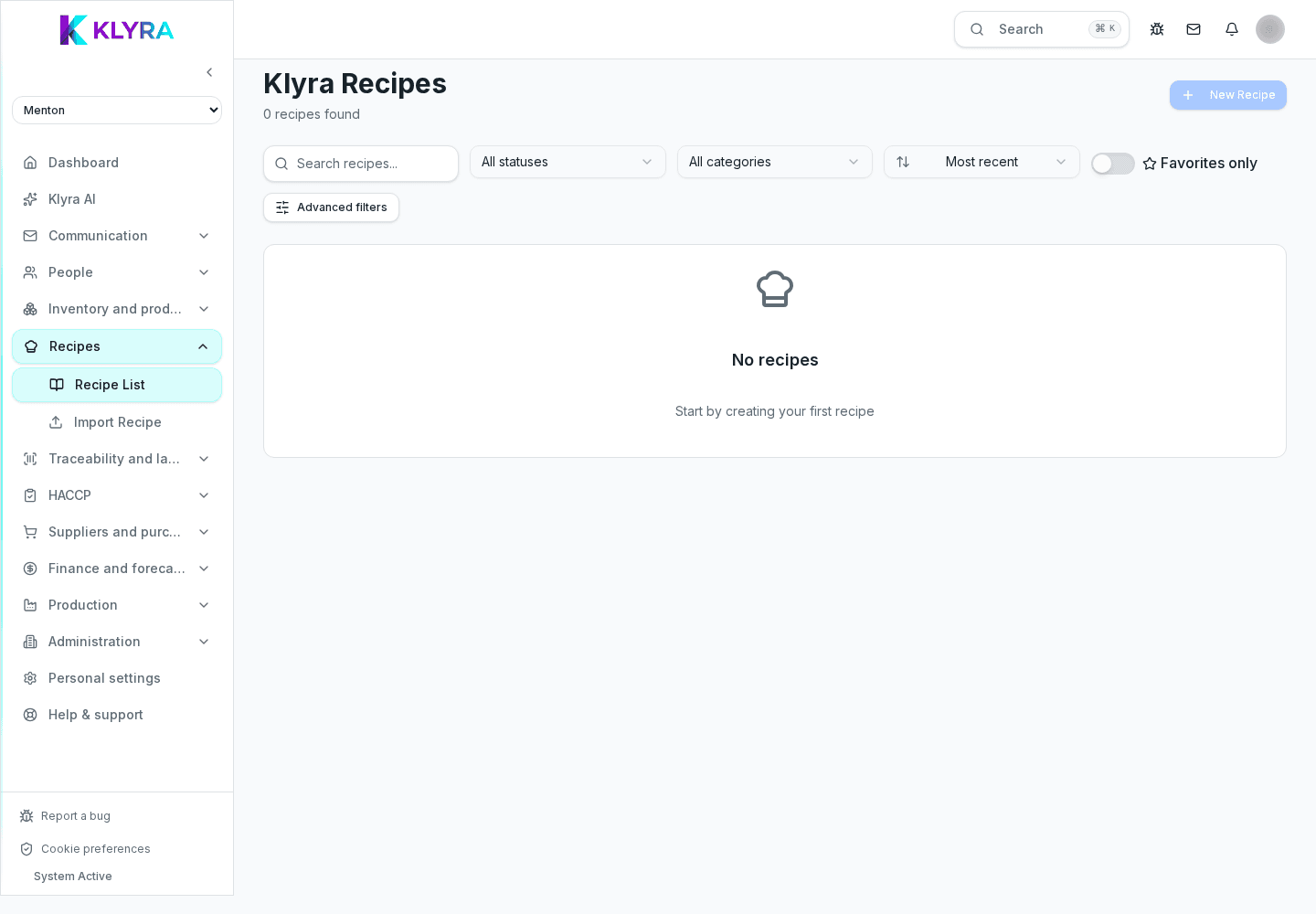
How to build a recipe in KlyraOS by adding ingredients from stock and linked sub-recipes.
Every recipe in KlyraOS is linked to the product catalogue, so ingredients, costs and allergens always stay consistent with actual stock. A well-built sheet is also the basis for printing correct labels and calculating reliable food cost.
For each ingredient you enter the quantity needed in the unit that is most natural in the kitchen, such as grams or millilitres, while KlyraOS automatically converts against the product’s purchase unit.
A base preparation, such as a stock or a sauce, can become a sub-recipe reused across several dishes: if you change the sub-recipe, every recipe using it updates accordingly.
Besides ingredients, the sheet holds category, standard portions, photos and preparation notes, so anyone in the kitchen can follow it without ambiguity.
For the food cost calculation to be reliable, every recipe ingredient must correspond to a product that actually exists in the catalogue, with an up-to-date purchase price.
Can I reuse a sub-recipe in several dishes?
Yes, a sub-recipe such as a stock or a sauce can be used in several recipes and updates everywhere when you edit it.
What if an ingredient is not in the product catalogue?
You need to create it in the catalogue first, otherwise the recipe cannot correctly calculate cost and allergens.
Can I add photos to the recipe sheet?
Yes, you can attach photos and preparation notes useful to the kitchen brigade.
Was this guide helpful?
Still need help?
Describe the issue: page, location, organisation and role are attached automatically.
Contact support