How KlyraOS flags minimum rest, maximum hours and other labour rules while you build the schedule.
Scheduling shifts in the restaurant business means respecting precise rules on rest, maximum working hours and breaks. KlyraOS builds these checks directly into the planner, so the error is visible before you publish the week, not after.
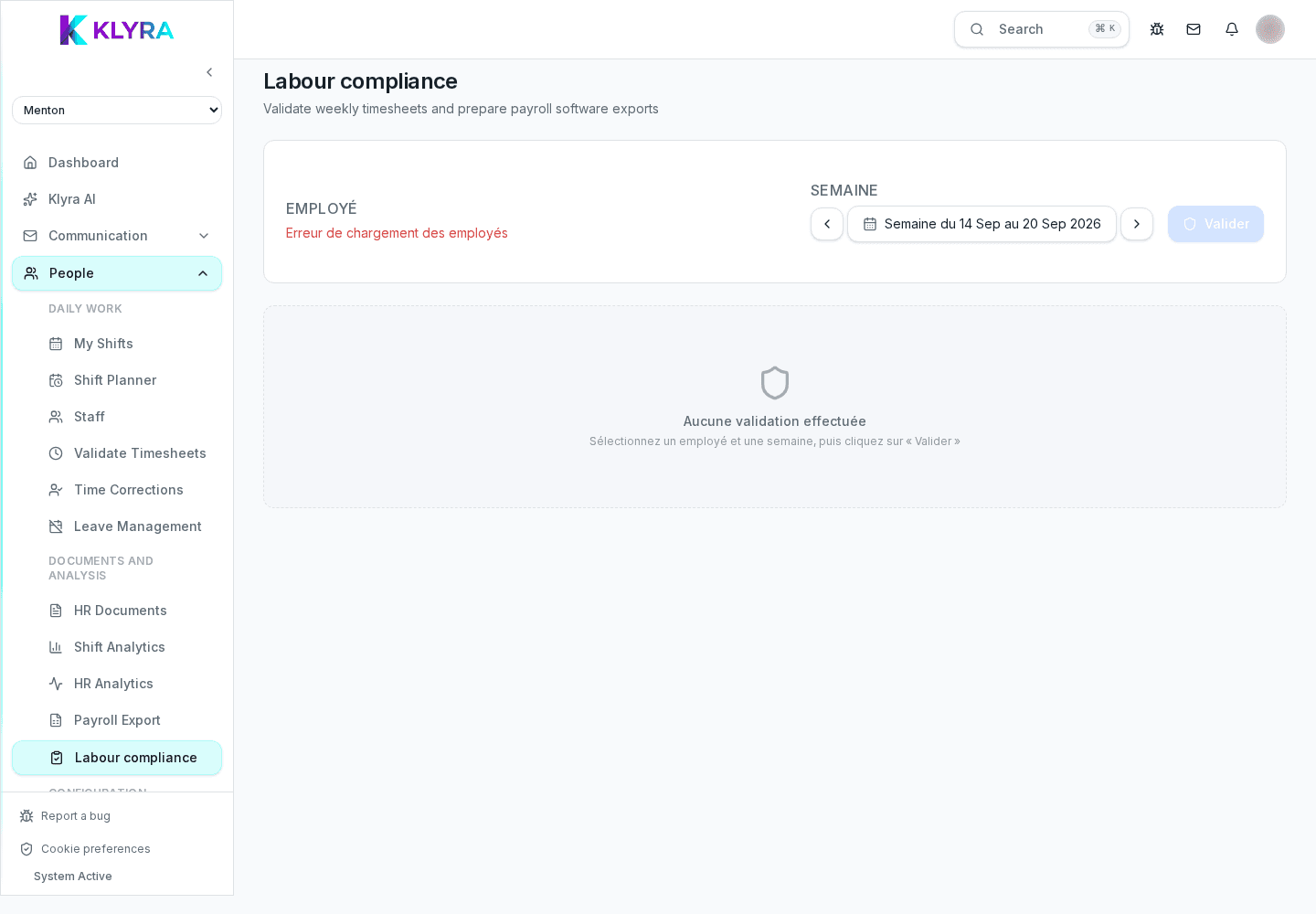
The system verifies the minimum daily rest between the end of one shift and the start of the next, the maximum consecutive hours, and the weekly total against the person’s contract. Thresholds are configurable by administration based on the applicable collective agreement.
Mandatory breaks not scheduled for shifts over a certain length are also flagged, avoiding frequent oversights on the busiest days.
When a shift breaks a rule, a warning icon appears directly on the planner cell, with the issue detail on hover or tap on mobile. The warning does not prevent saving the shift, but requires explicit confirmation from the manager.
Every time a manager confirms a shift despite the warning, the exception is recorded with date and the person who authorised it. This history is useful for internal audits or labour inspections.
Does KlyraOS block the creation of a non-compliant shift?
No, it shows a warning and requires explicit confirmation: the responsibility for the exception remains with whoever publishes the shift, with full tracking.
Can I customise thresholds based on the collective agreement?
Yes, rest, maximum hours and break thresholds can be configured per contract or per location in the administration settings.
Are recorded exceptions visible in a report?
Yes, you can export the exception history per person or per period for internal checks or inspections.
Is overtime calculated automatically?
Yes, based on actually clocked hours and configured contractual thresholds, shown separately in the hours report.
Was this guide helpful?
Still need help?
Describe the issue: page, location, organisation and role are attached automatically.
Contact support