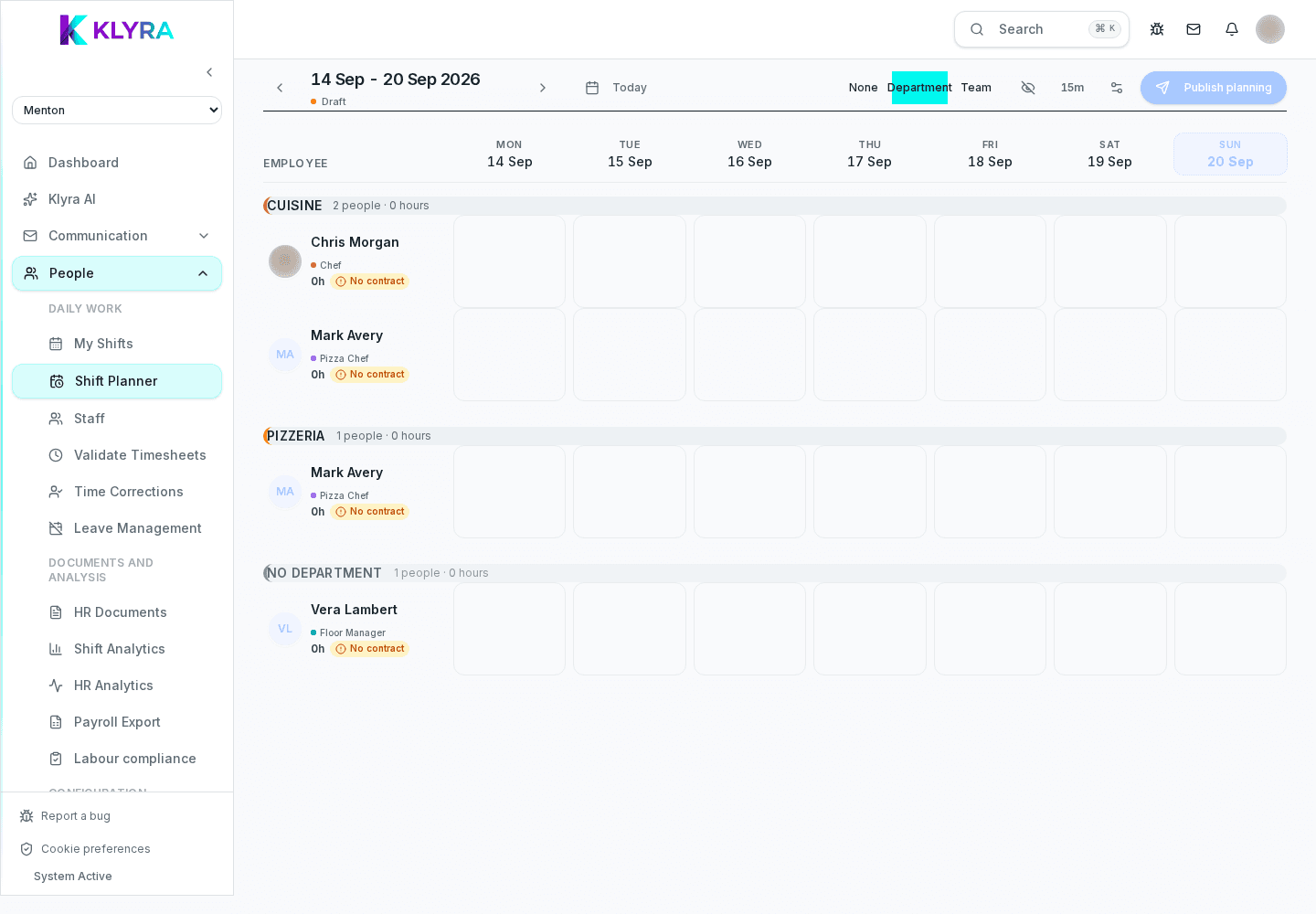
How to publish the working week, notify staff and handle last-minute changes to the schedule.
Building the schedule is only half the job: staff need to see it in time. KlyraOS separates the draft from publication, so you can work on the week without triggering premature notifications.
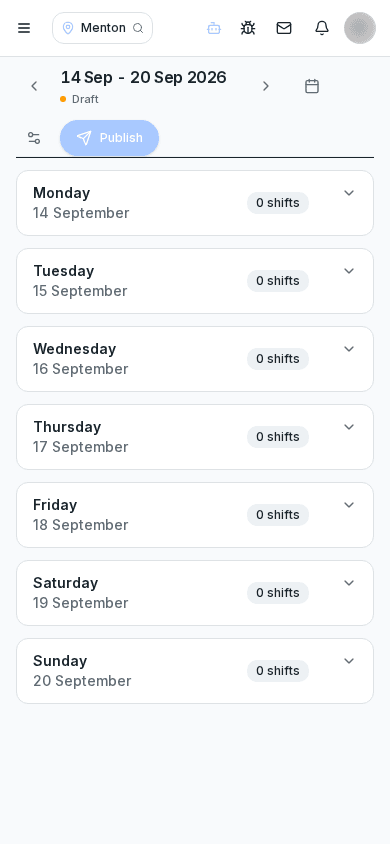
As long as the week is in draft, you can edit shifts and assignments without staff receiving notifications. Only when you press "publish" do shifts become visible in each person’s personal app, with a push notification.
You can also publish partially, for example only the first days of the week, if some assignments are still to be defined.
The planner shows, when available, an estimate of expected demand based on sales history, helping you understand whether planned coverage is enough during peak slots. This forecast is a decision support tool, not an automatic constraint.
If you edit an already published shift, the person involved receives a new notification with the change details. Changes remain visible in the shift history, with the date and author of the change.
Can I publish only some days of the week?
Yes, publication can be partial: choose the ready days and leave the others in draft until complete.
Can staff see future changes still in draft?
No, until you publish, the change is only visible to those with shift management permissions.
How does demand forecast work?
It is based on the location’s sales history for the same day of week and time slot, when the sales module is connected.
Do notifications also arrive via email besides push?
It depends on the notification preferences set by the person in their app profile.
Was this guide helpful?
Still need help?
Describe the issue: page, location, organisation and role are attached automatically.
Contact support