How to review the monthly staff timesheet and generate the hours export for the payroll provider.
At the end of the period, KlyraOS summarises actually clocked hours in a monthly timesheet ready for payroll processing. The export reduces manual transcription work between different systems.
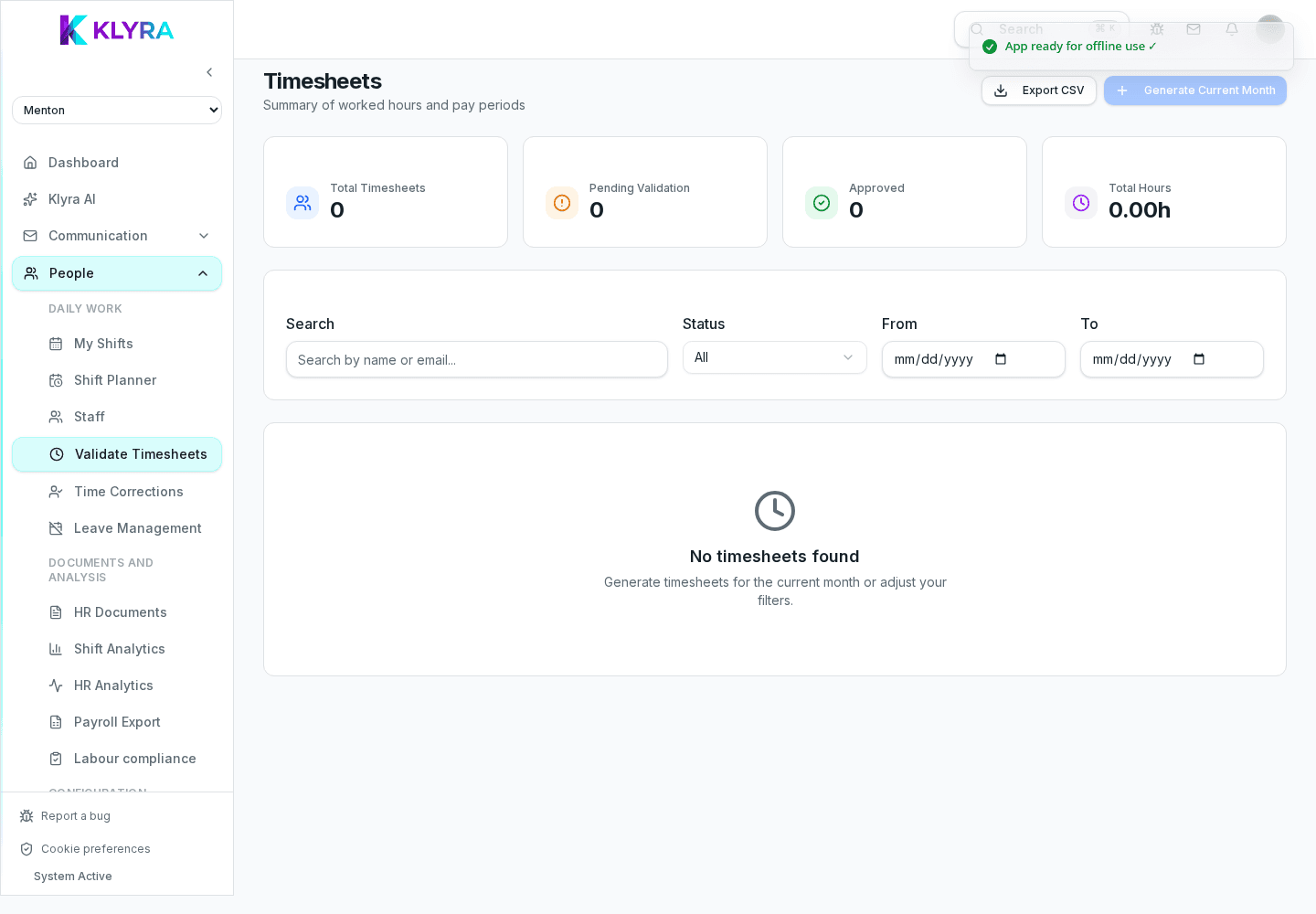
For each person, the timesheet shows day by day the clock in, break and clock out events, total hours worked and any deviations from the planned shift. Approved corrections are already included in the calculation.
The timesheet separates regular hours from overtime calculated according to the configured contractual thresholds, so the data is already ready for final review before sending.
The export can be generated for a single person, a location or the whole organisation, choosing the reference period. The export format is designed to be imported into the main payroll processing systems.
Before generating the final export, it is worth checking that no correction requests are still pending for the period, because they are not included until approved.
How often is the export generated?
Typically once a month, but you can generate it for any custom period whenever needed.
Does the export include approved absences too?
Yes, approved leave and permits appear in the timesheet alongside actually worked hours.
Can I edit the timesheet after generating the export?
Yes, but you will need to regenerate the export to reflect subsequent changes.
Can I get a custom export format for my payroll provider?
It depends on the formats available in KlyraOS: check with support which export formats are supported.
Was this guide helpful?
Still need help?
Describe the issue: page, location, organisation and role are attached automatically.
Contact support