How the QR code generated for every batch works, and what anyone scanning it sees, even outside KlyraOS.
Every batch traced in KlyraOS can have its own QR code, printable on a label, linking to a public verification page. It is useful both internally for staff and towards customers or inspectors who want to know where a product came from.
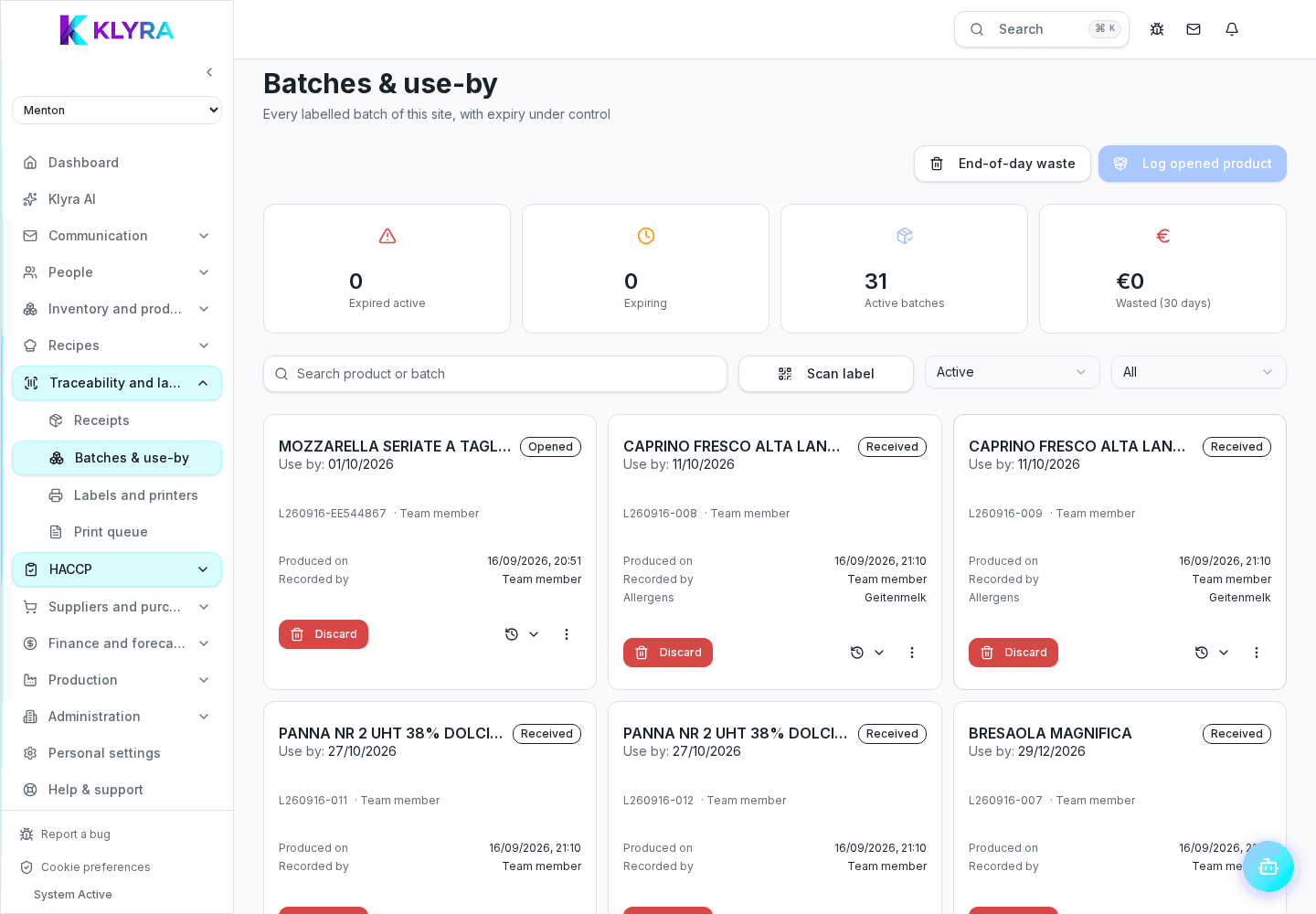
The QR code points to a page summarising the essential batch information: product, arrival or production date, expiry and, when available, the linked raw material batches.
Kitchen or warehouse staff can scan the QR with a phone or from the Station terminal to open the batch sheet directly, without searching for it manually in the list.
The public verification page can be shown to a customer asking about a dish, or to an inspector during a check, offering immediate transparency on the supply chain without needing access to the app.
The QR is printed together with the batch label through connected printers: placing it visibly on containers and shelves makes daily checks easier.
Can anyone scan a batch QR code?
Yes, the public verification page is designed to be readable even without access to KlyraOS, for example by a customer or an inspector.
Does the QR replace the allergen label?
No, the QR is a traceability complement: mandatory allergen and labelling information stays defined on the recipe or product sheet.
Can I regenerate the QR if I change the batch data?
Yes, but it is best to reprint the label to avoid outdated QR codes circulating.
Was this guide helpful?
Still need help?
Describe the issue: page, location, organisation and role are attached automatically.
Contact support