How to trace every step of a batch and what to do in the first minutes of a product recall or withdrawal.
In critical moments, such as a product recall flagged by a supplier or a surprise inspection, how fast you can rebuild a batch history makes the difference. KlyraOS links receiving, production, consumption and sale in a single, searchable timeline.
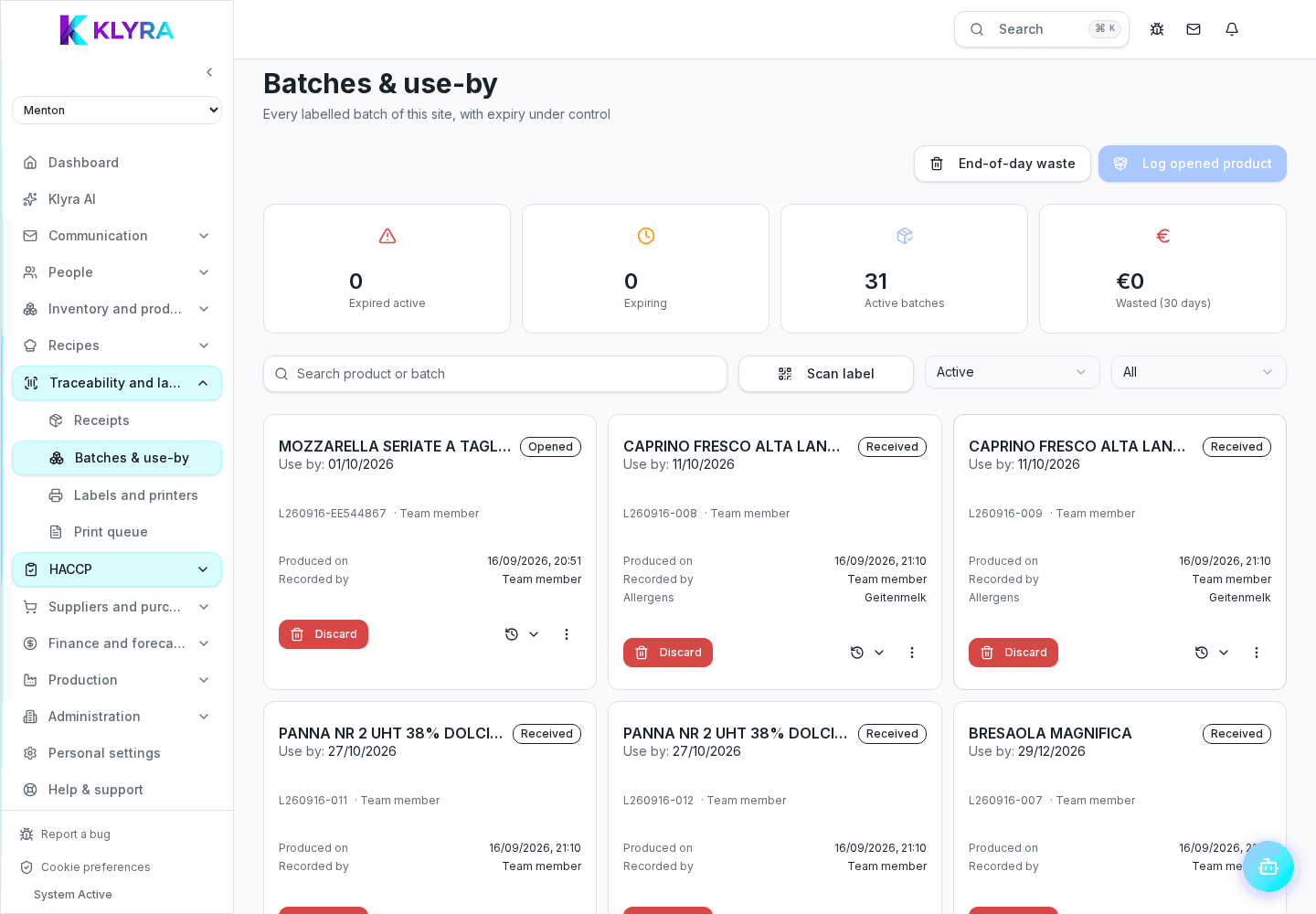
From any batch you can trace back to the original receiving document, the supplier and, if the product comes from a production run, the raw material batches that generated it.
You can equally see which recipes, production runs or transfers between sites used that batch, along with any losses recorded against it.
As soon as you receive a recall notice from a supplier, identify the affected batch immediately and check its history in KlyraOS: quantity received, quantity consumed, quantity still in stock and sites involved.
The full, exportable batch history is the concrete proof needed during an inspection: it demonstrates the supply chain is traced from receiving through to service.
How long does it take to rebuild a batch history?
With traceability enabled, the origin and usage timeline is available in minutes directly from the batch sheet.
What should I do first in a product recall?
Identify the affected batch, check the quantity still available and physically withdraw and quarantine it at every site involved before anything else; KlyraOS does not provide an in-app block button.
Can I export a batch history for an inspection?
Yes, the batch history can be exported as supporting documentation for checks and inspections.
Was this guide helpful?
Still need help?
Describe the issue: page, location, organisation and role are attached automatically.
Contact support