The most common causes of a blank or frozen screen and the steps to fix it within minutes.
A page that stays blank or does not refresh is almost always related to an unstable network, local cache or an outdated app version, not to lost data. Before contacting support, it is worth trying the quick checks described here, which solve most cases.
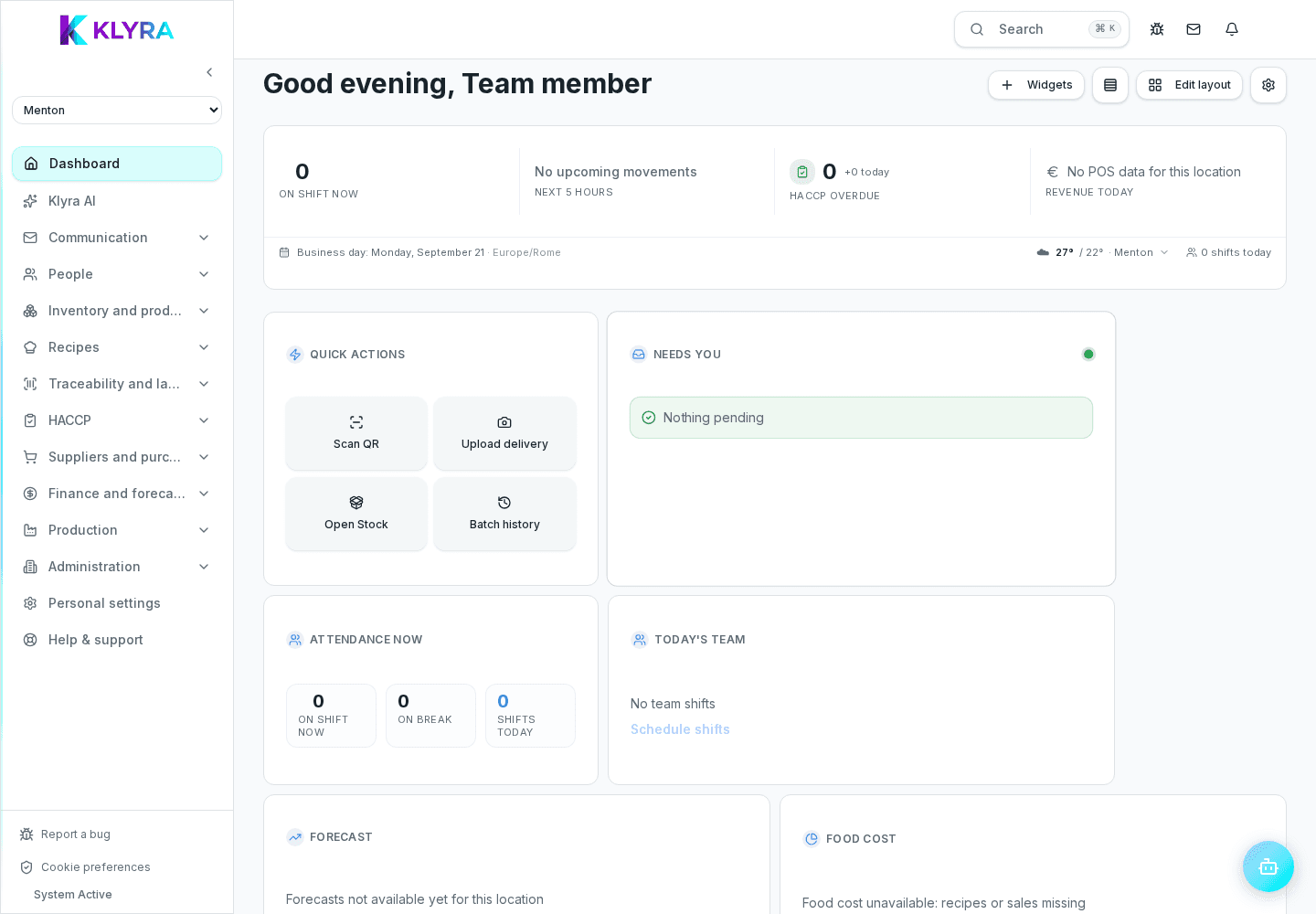
First check the device network connection: a weak Wi-Fi signal or unstable mobile data is the most common cause of pages that fail to load correctly. Restarting the app or reloading the page fixes most temporary freezes.
KlyraOS ships regular updates: a very old app version can show incomplete screens or get stuck on new features. Reload the installable web app; native store apps are coming soon.
If the problem persists after a restart, it may be corrupted temporary data stored on the device. On the web version, clearing the browser cache for the site solves most of these cases without touching any data stored on the server.
If after restarting, updating the app and checking the network the problem is still identical on several devices, it is no longer a local issue: report it using the ladybird button, mentioning the exact screen and the time it happened.
Could I lose data if the page stays blank?
No, data already saved stays on the server: the problem only affects the display on the device.
Do I need to uninstall and reinstall the app to fix it?
In most cases restarting the app or clearing the cache is enough; reinstalling is only useful if the problem persists.
How do I know if the problem is mine or general?
Ask a colleague on another device or network: if the problem is only yours, it is almost certainly local.
Was this guide helpful?
Still need help?
Describe the issue: page, location, organisation and role are attached automatically.
Contact support