How to build tailored roles from an industry preset and toggle individual permissions by category.
Beyond the job presets assigned to a single person, an admin can create custom roles for the whole organization, starting from an industry preset and adjusting permissions category by category, to reuse across several people.
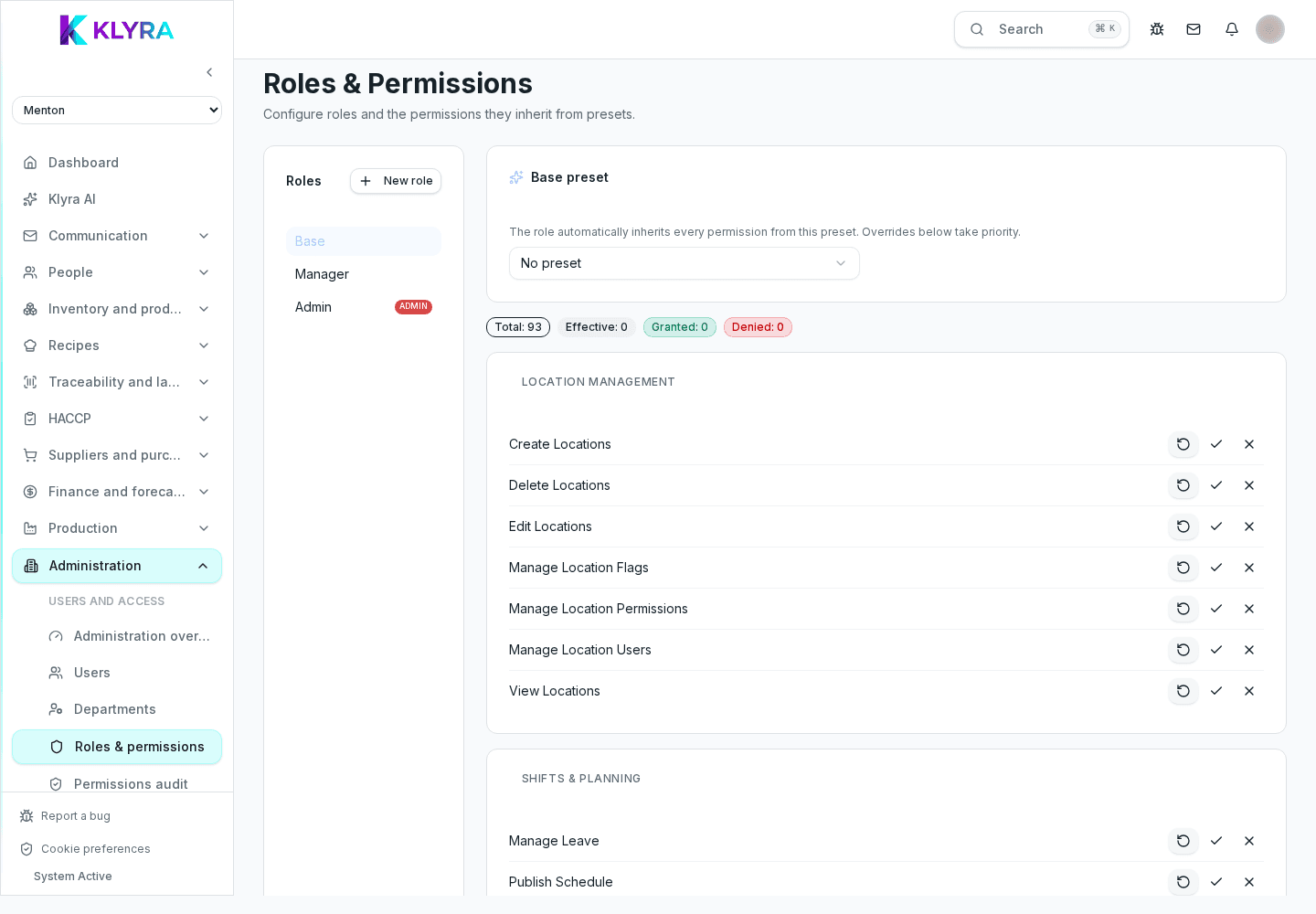
KlyraOS offers permission presets built for typical restaurant sectors and jobs. A custom role starts from one of these presets as a base but stays editable: you can give it its own name, hierarchy level and a permission set that differs from the original preset.
In role management, choose a name, a numeric level defining its place in the hierarchy and, optionally, an industry preset to start from. The role you create is then available to assign to anyone in the organization.
Permissions are organized into categories such as inventory, HACCP or shifts. For each permission you can see whether it is inherited from the preset, explicitly granted or revoked, and change its state without touching the rest of that category.
Editing a custom role changes the permissions of everyone using it, while exceptions assigned directly to a person remain individual. Use the role for shared rules, per-person overrides for one-off cases.
Does a custom role replace a person's job and level?
No, it sits alongside them: level and job stay separate fields, the custom role defines the applied permission set.
Can I create several roles from the same industry preset?
Yes, you can start from the same preset multiple times and differentiate permissions across roles.
Does editing a role apply immediately to people already using it?
Yes, the change applies right away to everyone assigned that role.
Was this guide helpful?
Still need help?
Describe the issue: page, location, organisation and role are attached automatically.
Contact support