How to read the seats and usage panel on the Subscription page and how to buy extra seats when a location is close to its limit.
Every plan includes a number of user seats and usage quotas (storage space, AI assistant messages, scans, and other AI features) per location. The Subscription page shows these values in real time and lets you buy extra seats without changing plan.
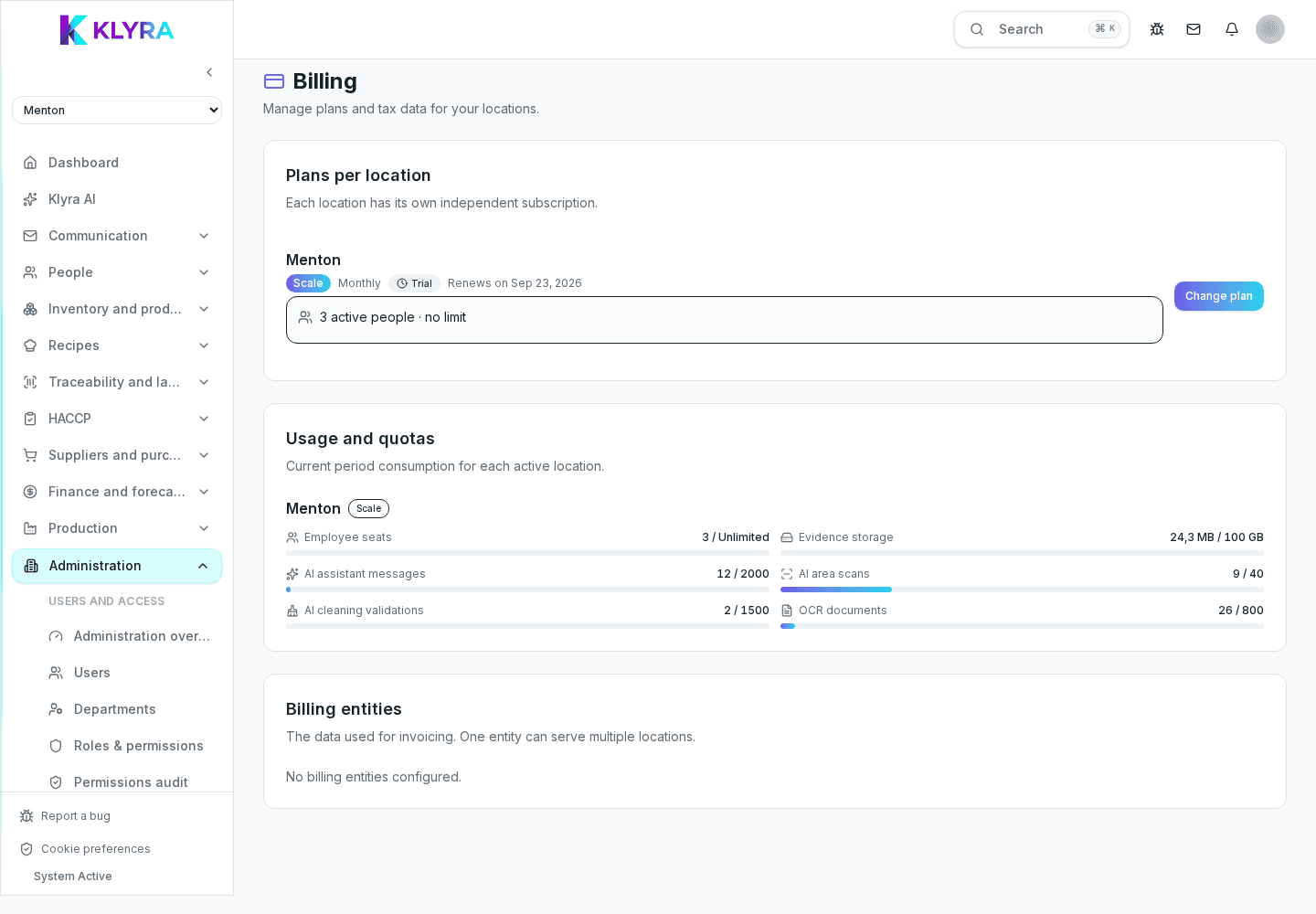
Below each location, on the Subscription page, a dedicated row shows how many seats are used against the plan’s limit, with a bar that turns yellow past 80% and red once the limit is reached or close to it (one seat left).
If the plan allows it, the "Manage seats" button opens a window where you can increase or decrease the number of extra seats with a counter, see the monthly price per extra seat and the total, and confirm the purchase with a prorated charge on the current cycle.
Further down the page, the "Usage" panel summarizes, for every active location, seats, storage space used and, if the plan includes AI features, the quotas for assistant messages, area scans, cleaning validations, and OCR documents. A badge flags when any of these resources goes past 80% of its limit.
If the location’s plan doesn’t allow buying extra seats, the window suggests moving to a higher plan instead of increasing the counter: clicking it opens the same plan-change window already seen for that location.
Does a seat count per person or per login?
It counts per person with an active account on the location: a deactivated user or a pending invite doesn’t use up a seat.
Can I reduce purchased extra seats?
Yes, from the same "Manage seats" window you can decrease the counter; the change applies with the same prorated mechanism.
What happens if I exceed the AI assistant message quota?
The Usage panel flags the resource that’s near or at the limit with a badge, so you can consider a higher plan if you need it regularly.
Is the storage limit per location or per organization?
It’s per location, like seats: each location has its own storage limit included in the plan.
Can I buy extra seats without changing plan?
Yes, if the location’s plan allows it: buying extra seats is independent of changing plan tier.
Was this guide helpful?
Still need help?
Describe the issue: page, location, organisation and role are attached automatically.
Contact support