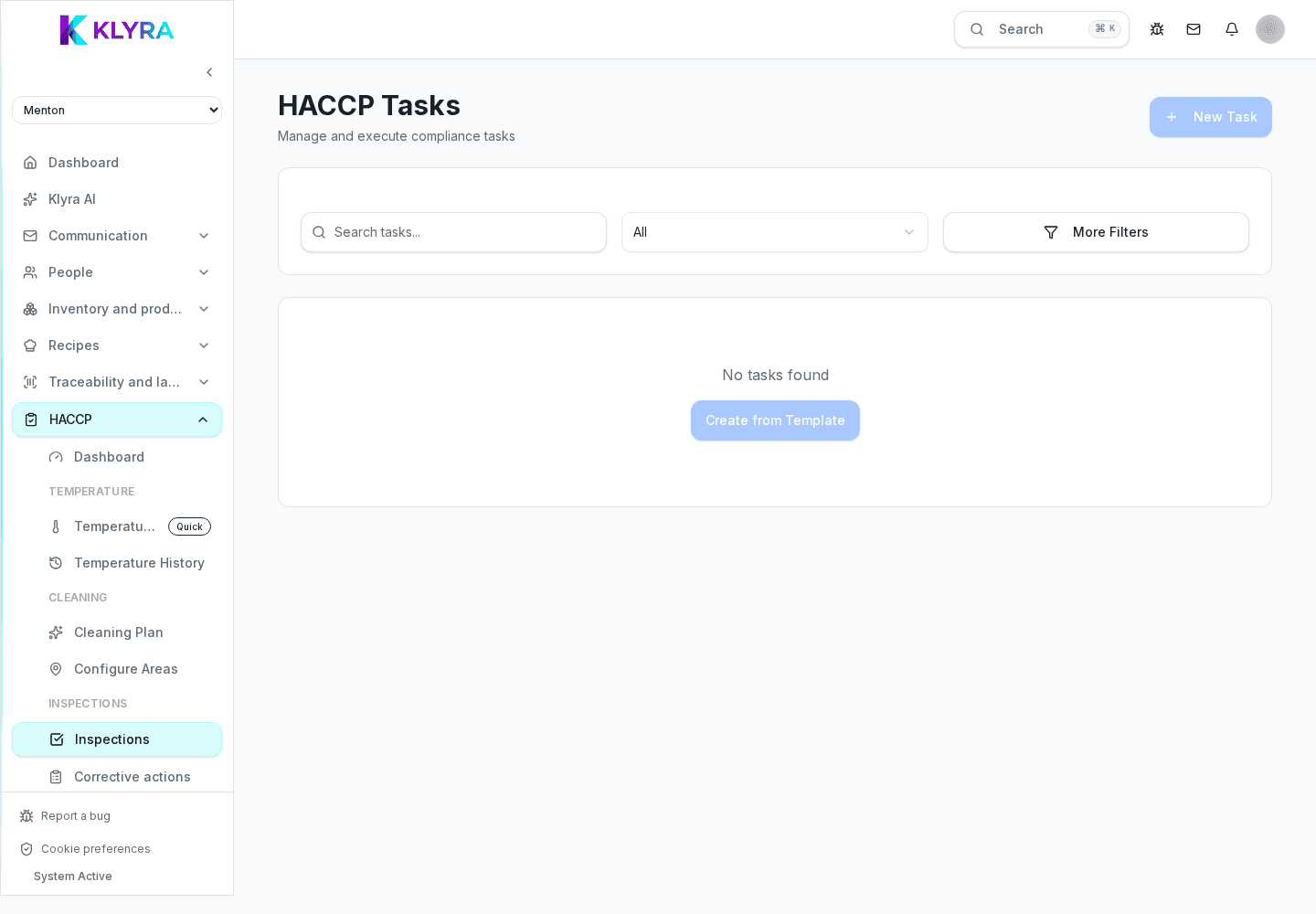
How to organise daily checks, assign them to your team and never miss an HACCP deadline.
An HACCP self-control plan becomes manageable once every task has an owner, a time slot and a reminder. KlyraOS turns the paper manual into a daily task list assigned to your team, with instant visibility of what is still missing.
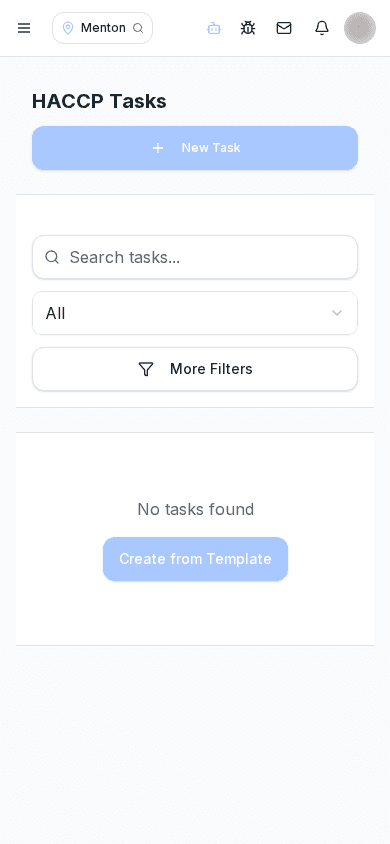
Each HACCP task is defined once with a frequency, time slot and responsible role: from then on KlyraOS generates it automatically every day, week or month according to the rules you set.
You can group tasks by area (kitchen, counter, storage) so staff only see what applies to their station, cutting down time wasted figuring out what to do.
Tasks can be assigned to a specific person or to a role, so whoever is on shift that day sees it appear in their list. A reminder fires before the deadline, preventing a check from being forgotten during service.
An overdue, uncompleted task stays visible as late until it is completed or cancelled with a reason. This ensures the log has no silent gaps, which matters during an inspection.
Every completed task automatically records who did it and when, building a log you can consult at any time without chasing paper sheets.
Can HACCP tasks be customised per site?
Yes, each site can have its own self-control plan with different tasks, frequencies and areas, managed independently.
Who can mark a task as completed?
The person or role it is assigned to; managers can still step in to correct or complete it on someone else’s behalf.
What happens if I forget a check?
The task stays visible as late in the log until it is completed or cancelled with a reason, so it never disappears silently.
Can I export the task log for an inspection?
Yes, the log can be viewed and exported by period, area or person, ready to show during a check.
Was this guide helpful?
Still need help?
Describe the issue: page, location, organisation and role are attached automatically.
Contact support