How to document HACCP corrective actions and prepare a complete report for a health inspection.
A self-control plan is only credible if it also documents anomalies and how they were resolved. KlyraOS links every non-conformity to a recorded corrective action and lets you generate a complete report ready for inspection.
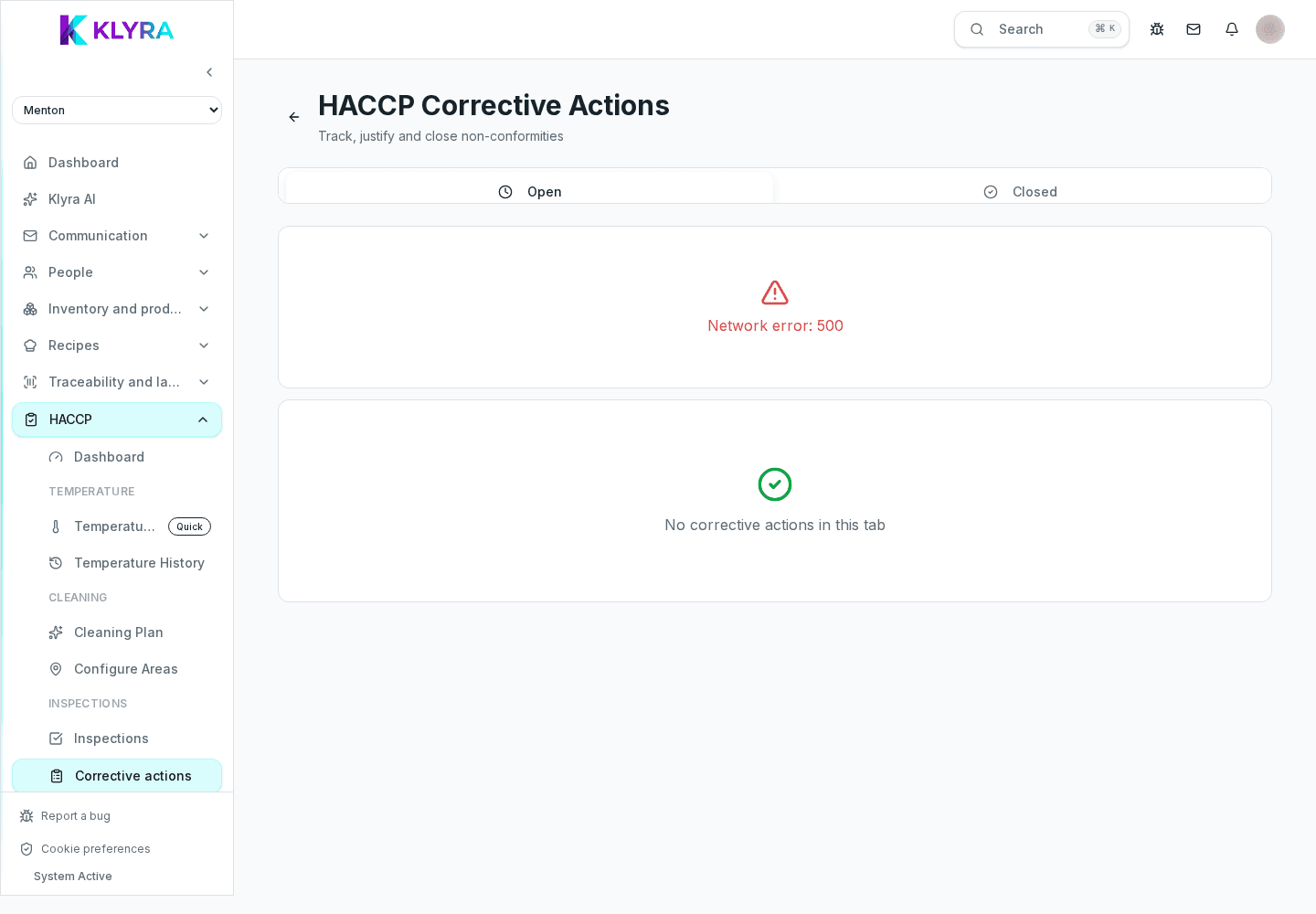
A corrective action opens automatically when a check falls outside expected parameters, for example a temperature above threshold or a task not completed on time. The manager fills in the cause and the remedy applied before the item can be closed.
Corrective actions can also be opened manually to flag an issue observed during service, even if not linked to an automatic check.
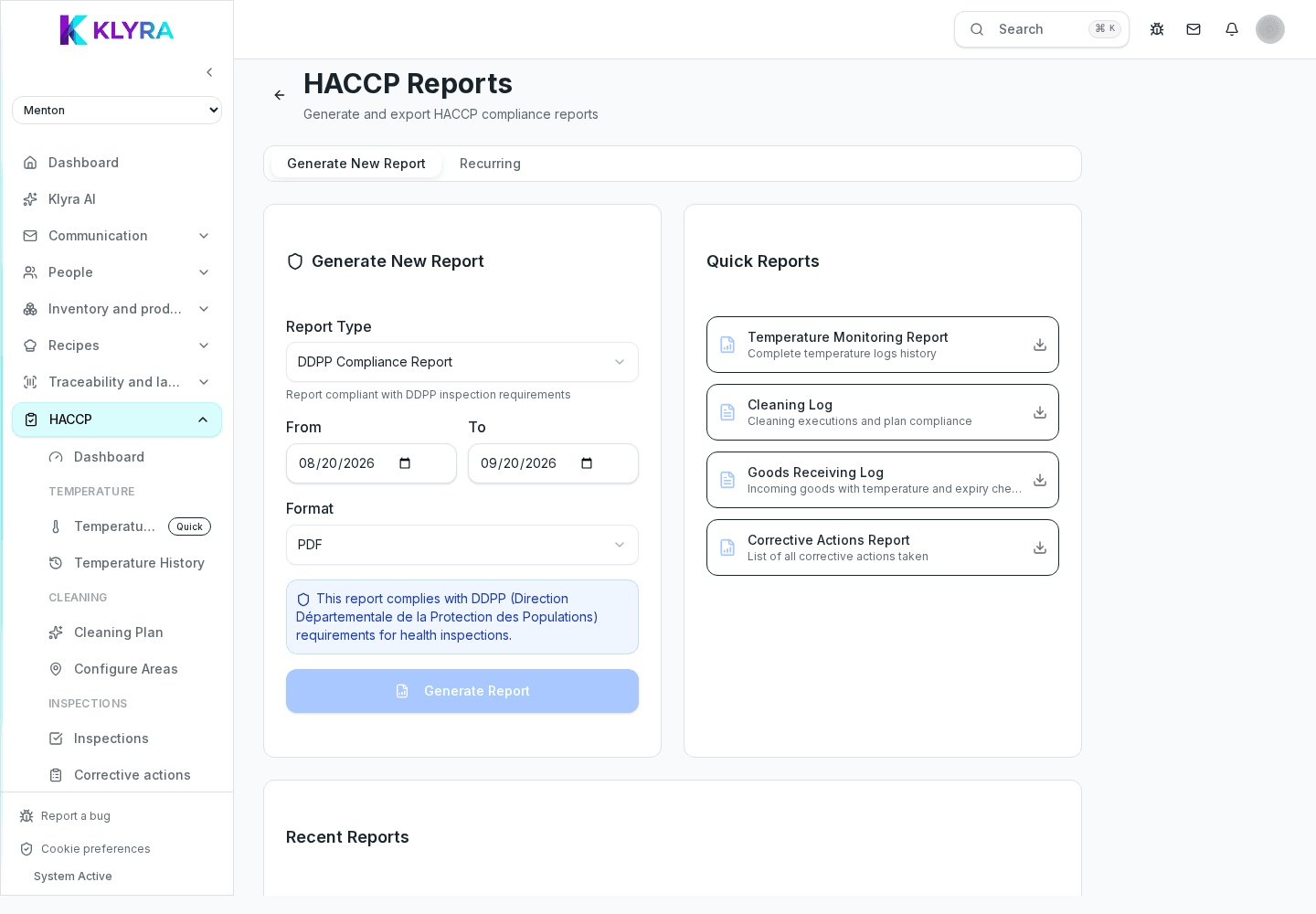
The HACCP report collects completed tasks, recorded temperatures, the cleaning plan and corrective actions for the chosen period into a single document. You can filter by site, area or date range before exporting.
Every log entry shows who performed the check and who handled any corrective action, with date and time. This history remains available long-term and cannot be edited retroactively without leaving a trace.
Does every non-conformity automatically create a corrective action?
Yes for automatic checks like temperatures; for other observations you can still open one manually at any time.
Can the HACCP report be generated for a single site?
Yes, you can filter the report by site, area and period before exporting, useful when sites have separate inspections.
Can closed corrective actions be reopened?
No, they remain in the history as closed; if the issue recurs, a new corrective action is opened linked to the same check.
Is the report accepted by health inspectors?
The report documents the activities carried out according to the self-control plan in a structured way; the final assessment remains at the inspector’s discretion.
Was this guide helpful?
Still need help?
Describe the issue: page, location, organisation and role are attached automatically.
Contact support