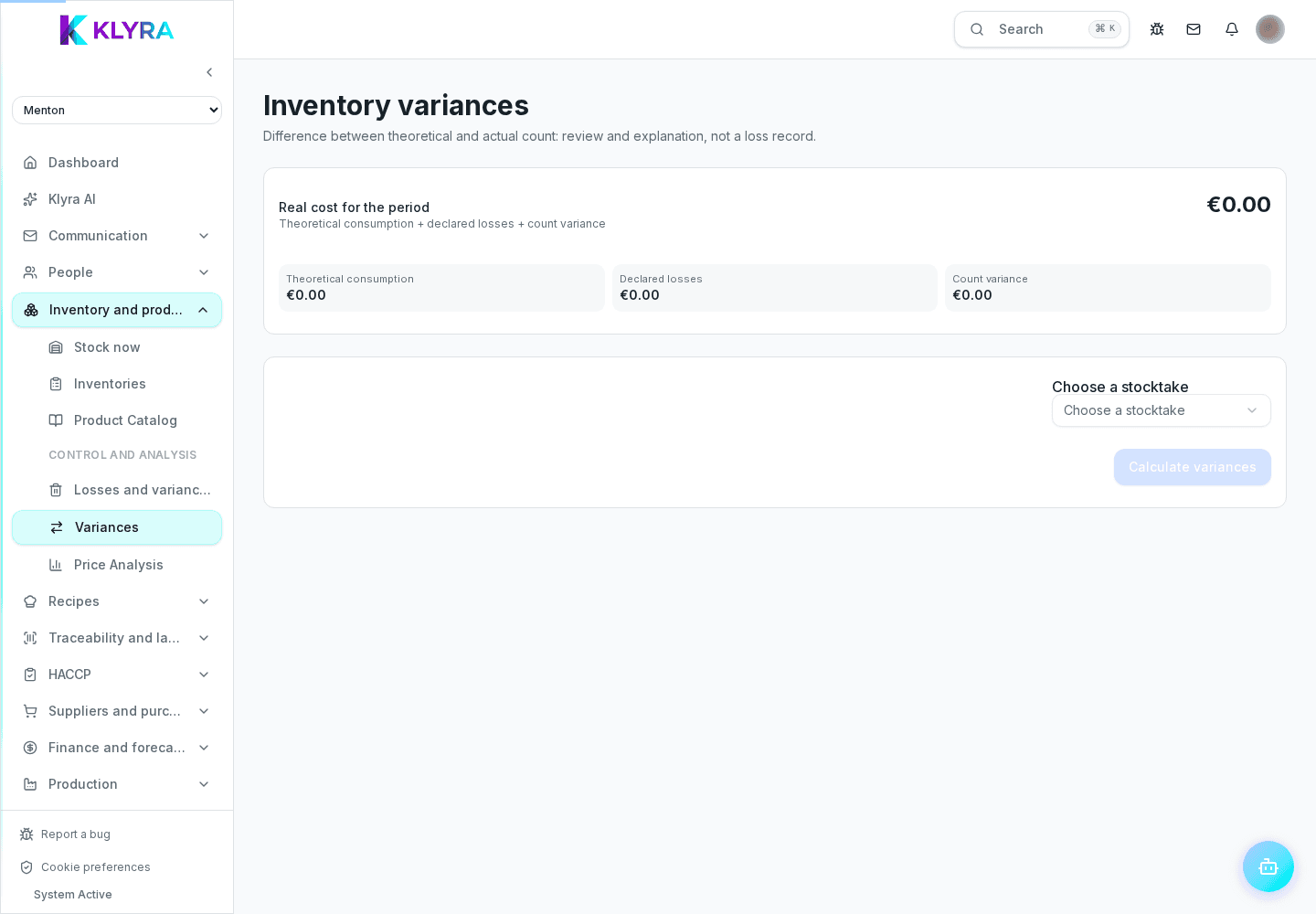
How to organise a physical count by area, compare it with theoretical stock and close variances correctly.
A well-organised count in KlyraOS starts by splitting work by area or category, allows counting from tablet or phone, and automatically compares counted quantities with theoretical stock, highlighting every variance before closing.
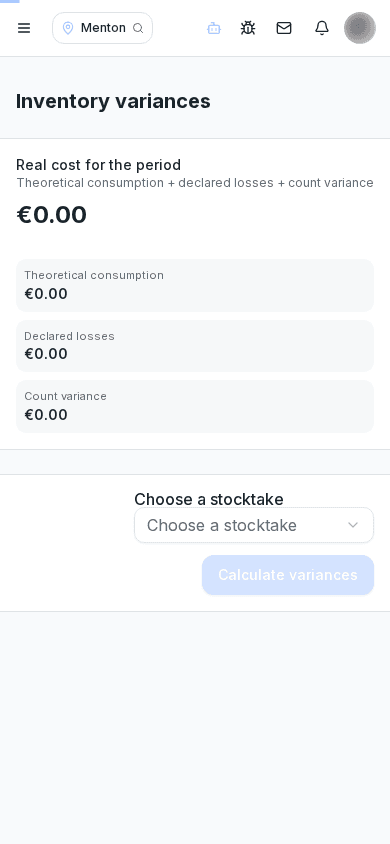
Before starting, choose whether to count the whole stock or only certain categories or areas. Splitting work between people by area speeds up the count and reduces distraction errors.
Every product can be searched or scanned by barcode, entering the counted quantity in whichever unit is most convenient. The system automatically converts to the base unit for comparison.
At the end of the count, KlyraOS shows the difference between counted and expected quantities based on recorded movements. Significant variances deserve a check before closing, because they often signal a recording error rather than a real loss.
Closing updates official stock to the counted values and stays as a historical reference for future comparisons and waste analysis.
Can I run a partial count on just some categories?
Yes, you can choose to count only certain categories or areas instead of the whole stock.
What should I do if I find a large variance?
Check first whether a receiving, transfer or loss record is missing before treating it as a real loss.
Can a closed count be edited?
Once closed it stays as a historical reference; any later corrections should be recorded as new movements.
Was this guide helpful?
Still need help?
Describe the issue: page, location, organisation and role are attached automatically.
Contact support