How to close a production order by recording the actual yield and any processing losses.
Running a production order means declaring what was actually made: quantity obtained, raw materials consumed and waste generated. This step closes the loop between planning and kitchen reality and feeds cost and traceability data.
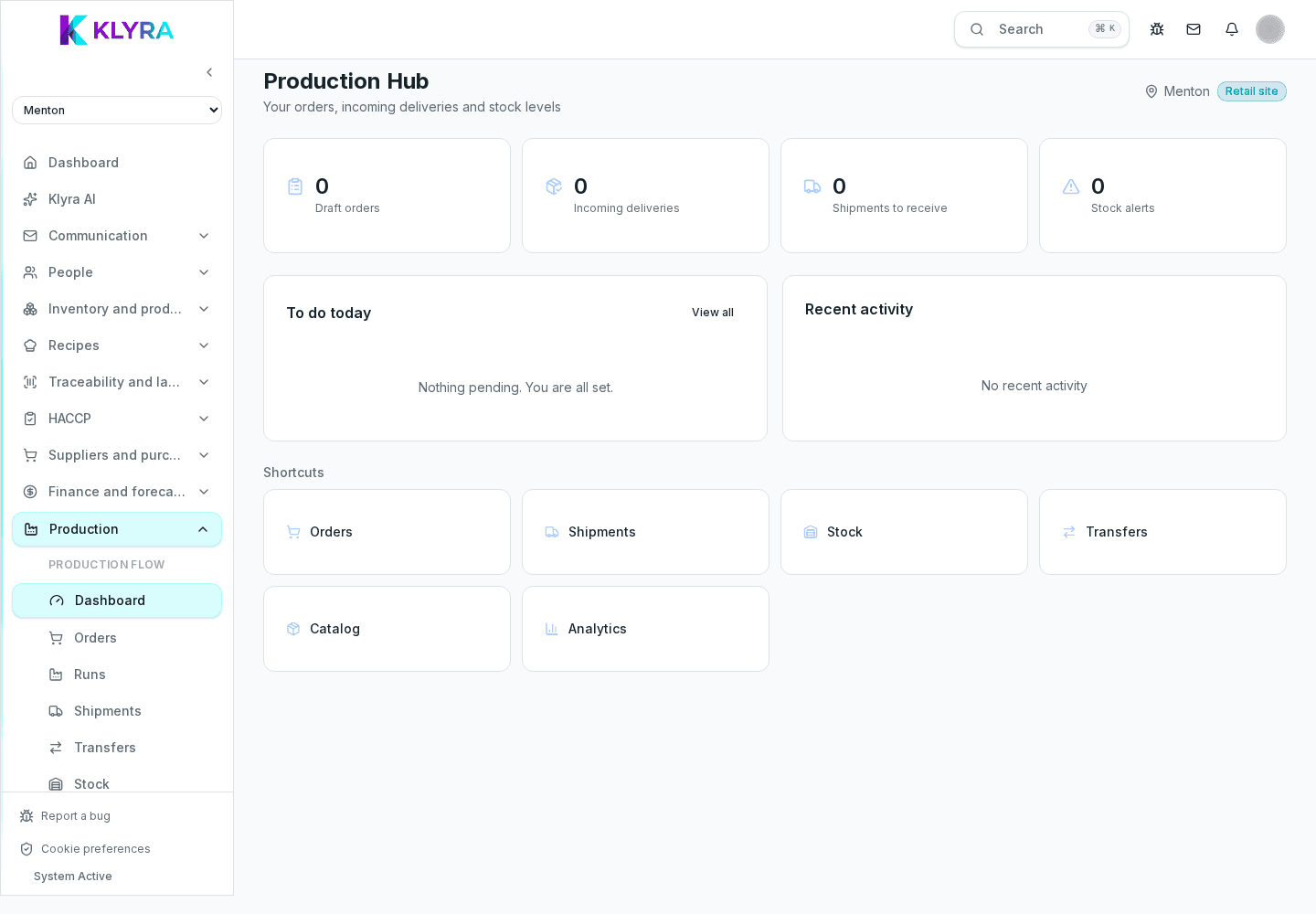
Once the run is finished, open the order and record the execution. KlyraOS defaults to the planned quantities, but you can correct them to reflect what was actually made: the real yield often differs from the theoretical one due to trim, cooking or portioning.
The gap between theoretical and real yield is recorded and stays available in history, so over time you can see whether a recipe needs recalibrating.
Once the run is confirmed, the recipe raw materials are issued from stock in the quantities actually used, following FEFO on available batches. This keeps stock aligned without duplicate manual entry.
Production generates one or more finished product batches, with a production date and expiry calculated from the shelf life set on the recipe. These batches are traceable like any batch received from a supplier and can be labelled right after the declaration.
If part of the product is discarded during processing, it must be recorded as a loss linked to the order: this prevents the waste from staying hidden inside the average cost and helps spot inefficient runs.
Can I change the produced quantity after closing the order?
The correction should be made before final confirmation; once closed, it is better to record a separate adjustment to keep history consistent.
Do low yields affect recipe food cost?
Yes, the real yield recorded over time helps recalibrate the theoretical recipe cost and bring it closer to reality.
Do recorded losses count as inventory loss?
Yes, they are recorded as production-linked loss and appear in waste reports together with other inventory entries.
How do I print the label for a product just made?
After confirming the execution you can print the generated batch label right from the same screen, without searching for it separately.
Was this guide helpful?
Still need help?
Describe the issue: page, location, organisation and role are attached automatically.
Contact support