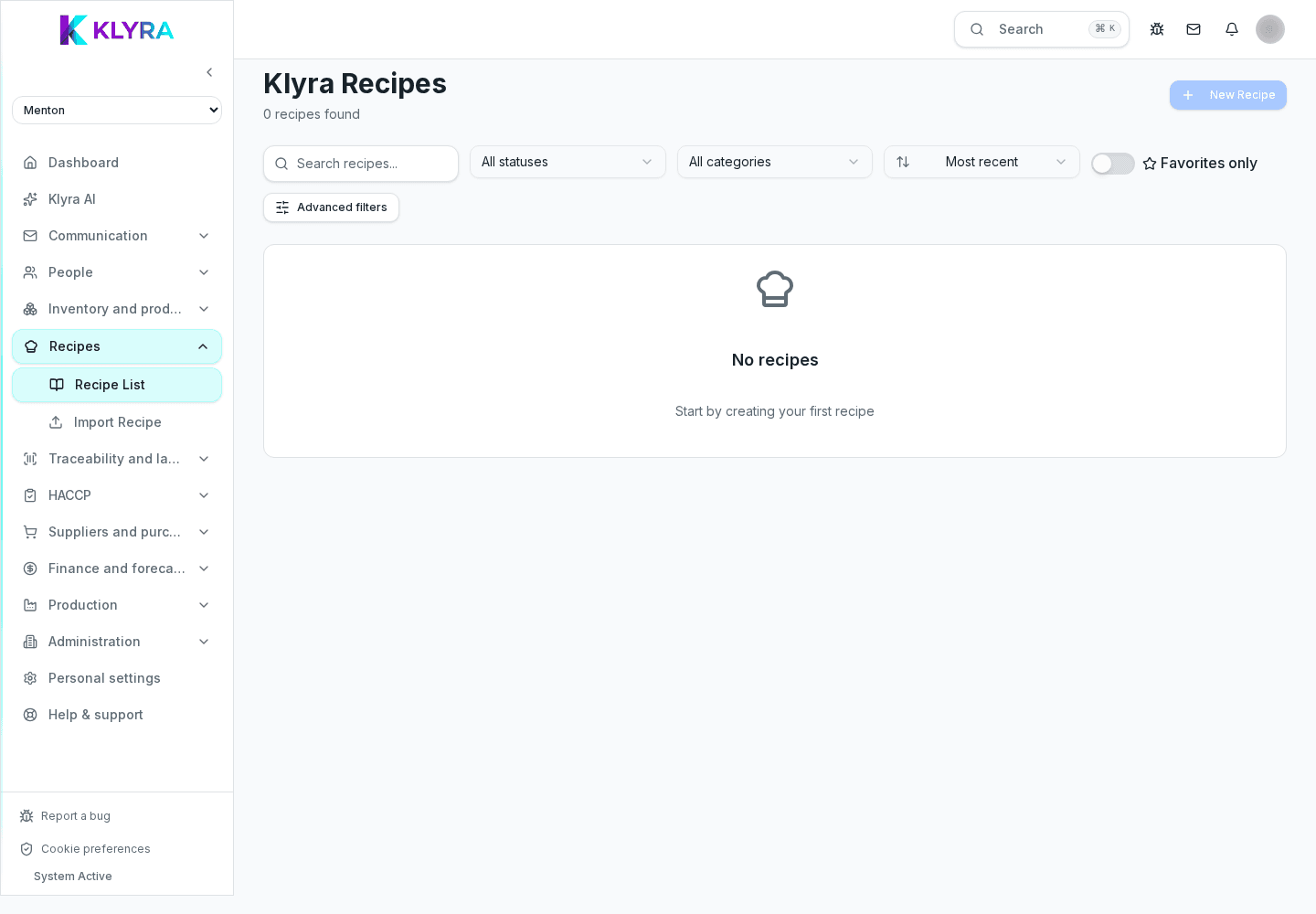
Build recipe sheets, calculate allergens, nutrition and food cost, and declare preparations in KlyraOS.
The Recipes area is where you build recipe sheets linked to the product catalogue: costs, allergens and production labels are all derived automatically from there.
Add ingredients from the catalogue with their weights and, when useful, call in sub-recipes such as stocks or sauces, which stay up to date wherever they are used.
Every recipe can record prep, cooking and waiting times, useful for organising kitchen work and estimating service timing.
Ingredient allergens and nutrition data, set once on the product sheet, are automatically aggregated on the finished dish.
KlyraOS calculates the theoretical food cost from ingredient purchase prices and, if the till is connected and the dish mapped, also shows the real food cost from sales. The selling price remains your decision.
You can scale a recipe for larger batches and, once prepared, declare it to automatically consume ingredients from stock and print the finished product's label.
Do I need a special permission to manage recipes?
Yes, creating and editing recipes requires the recipes:manage permission; viewing is open to the whole kitchen.
Do sub-recipes update everywhere they are used?
Yes, editing a sub-recipe automatically updates every recipe that calls it in.
Does KlyraOS set the selling price on its own?
No, it shows the cost per portion and, when available, the real food cost from sales: the price remains your choice.
What happens to stock when I declare a preparation?
The ingredients used are automatically deducted from stock in the quantities calculated by the recipe.
Was this guide helpful?
Still need help?
Describe the issue: page, location, organisation and role are attached automatically.
Contact support