What to do when recipes, orders or reports do not show up: it is almost always a site or permission issue.
The most common reason data appears to "disappear" from KlyraOS is not lost information, but the wrong active site or a permission not assigned to the person looking for that data. Checking these two points resolves most reports.
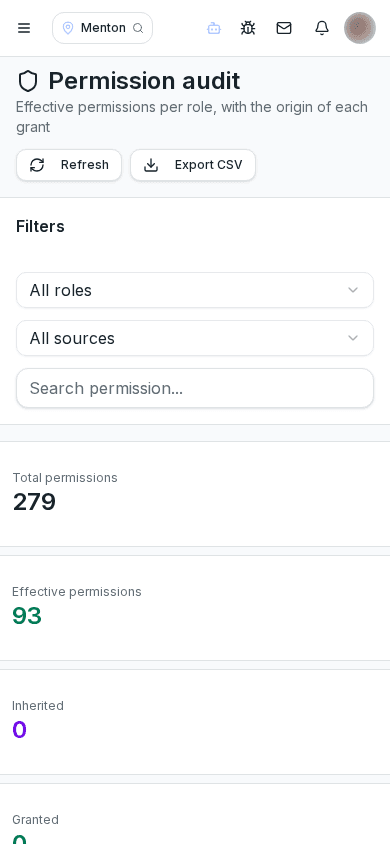
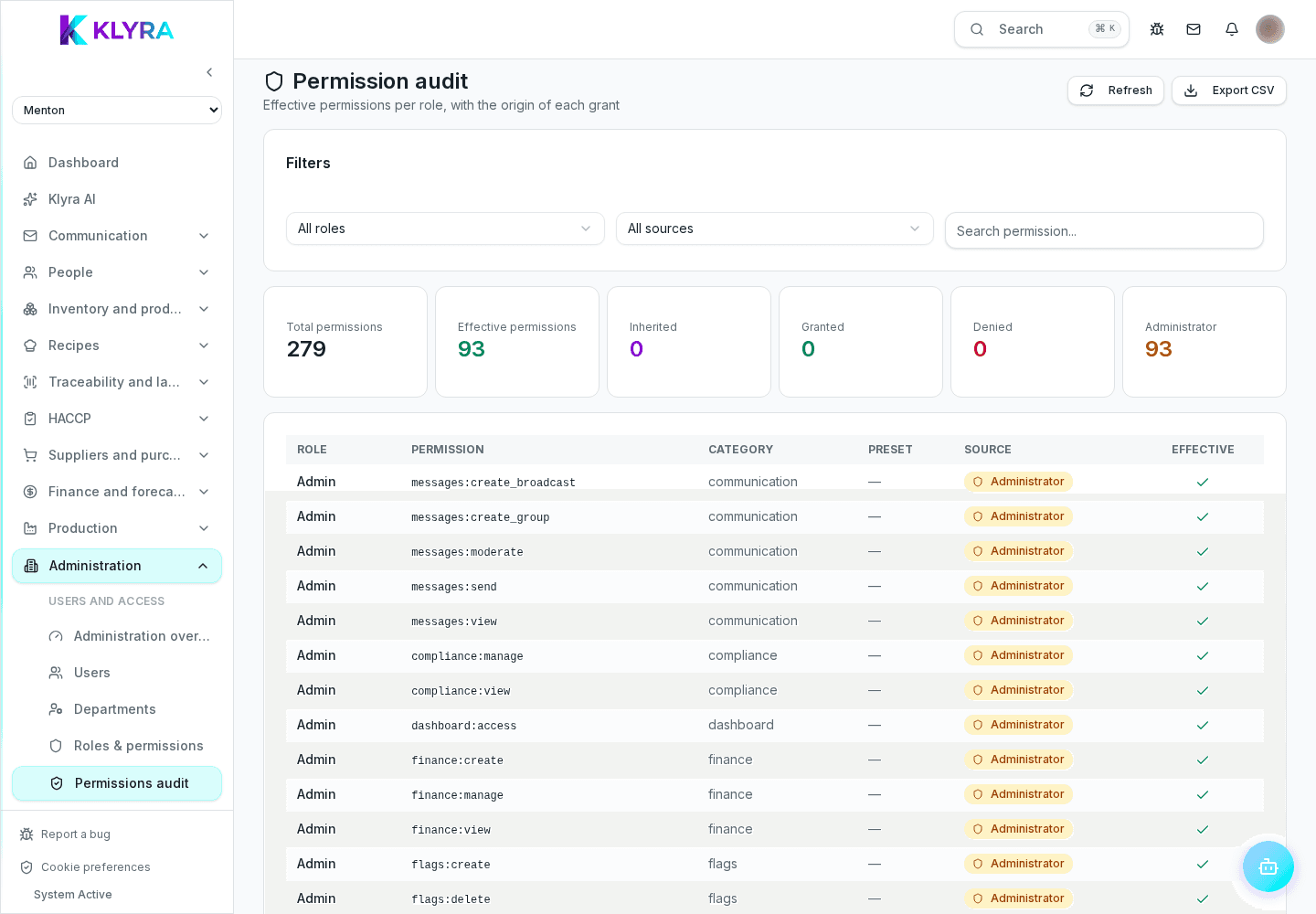
KlyraOS shows data for the currently selected site: if you work across several sites, an order or an employee recorded at another site will not appear until you switch the active site from the selector at the top of the app.
Some sections are visible only to people with the specific permission assigned, regardless of their general role: a floor manager without the inventory permission will not see the inventory section, even if they work on site every day.
Reports and lists often have a default date or category filter applied: real data can look "missing" simply because the active filter excludes it, not because it does not exist in the system.
If you have checked site, permissions and filters and the data is still missing despite being sure it exists, report it with the ladybird button, describing exactly what you were looking for and where you expected to find it.
How do I quickly switch the active site?
Use the site selector at the top of the app: it is always visible if you have access to more than one site.
Who can see and change my permissions?
Owners and administrators with user management permission can see and change everyone’s permissions.
Can a saved filter hide data even after restarting the app?
Yes, some filters stay set until you change them manually, even after restarting the app.
Was this guide helpful?
Still need help?
Describe the issue: page, location, organisation and role are attached automatically.
Contact support