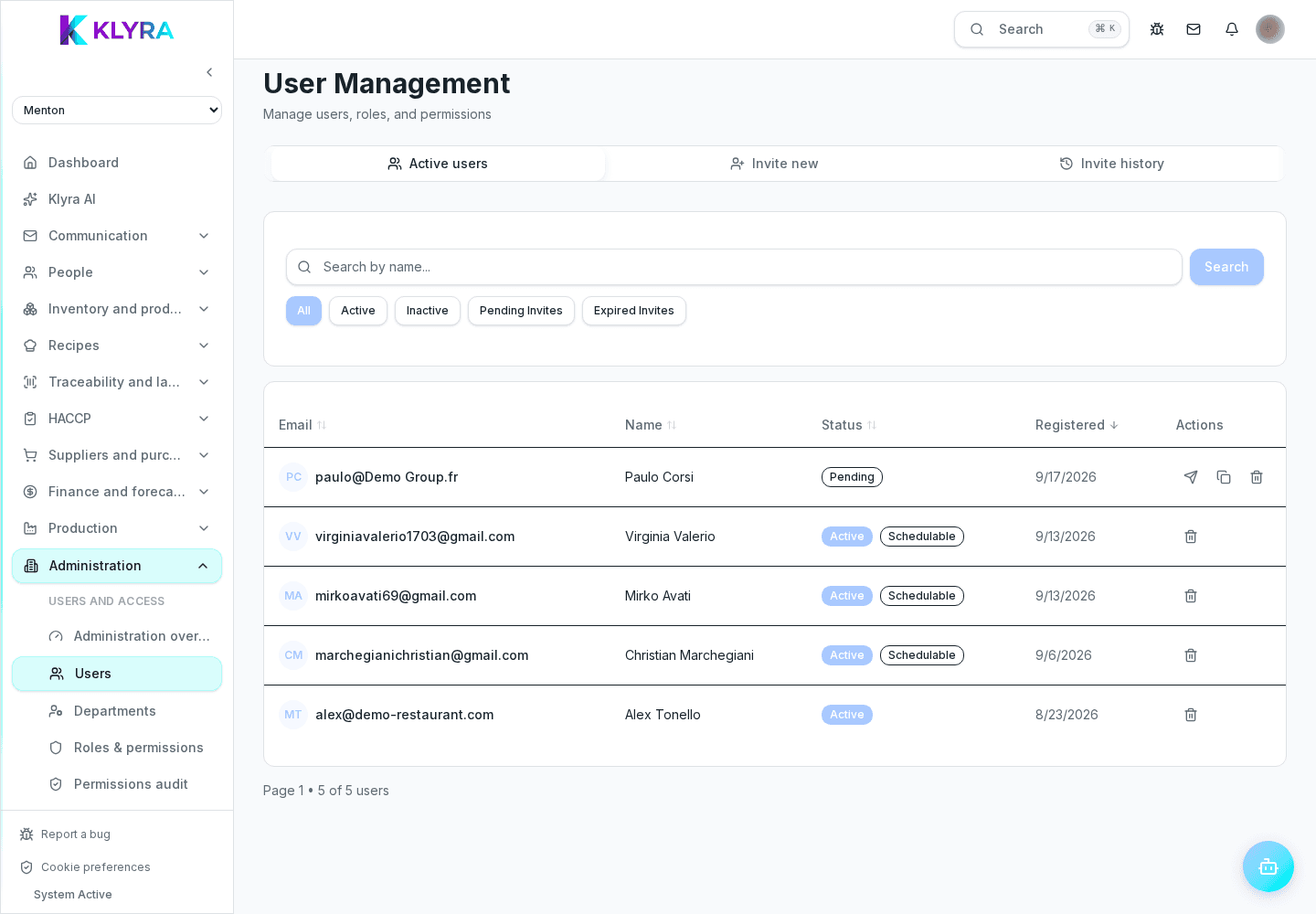
Revoke a person’s access, understand deactivation versus anonymised removal, and preserve company audit records.
When someone leaves the business, access must be revoked without deleting operational evidence owned by the organisation. KlyraOS separates inactive status from anonymised removal: choose the right action and first review sites, future shifts and open responsibilities.
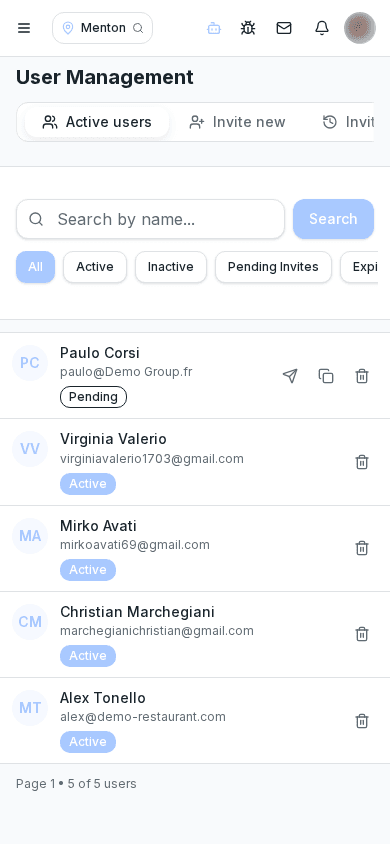
Marking someone inactive pauses their operational access while retaining the profile. Removal deletes the sign-in account and anonymises name and email, while keeping the descriptive snapshots required in company records for audits, HACCP and attendance.
Check future shifts, pending requests, assigned sites and tasks still owned by the person. Reassign anything that must continue, especially approvals, HACCP checks and department responsibilities.
Only an organisation administrator can remove another user, and administrators cannot remove themselves. Standard removal is irreversible: authentication is deleted and personal data is anonymised, while historical events remain available for business and compliance purposes.
Check that the person no longer appears among active users and that future shifts or tasks have been reassigned. If they return, invite them again with a new account rather than trying to restore the anonymised one.
Does removal delete clockings and HACCP checks?
No. Organisation records remain available with the historical information required, while personal profile data is anonymised.
Can I reactivate a removed person?
No. You can reactivate a profile only when it was suspended; after removal, send a new invitation.
Can a site manager remove users?
Removal requires organisation administrator privileges, checked against the target user’s organisation.
Can I remove myself?
No. KlyraOS blocks self-removal to prevent an organisation from accidentally losing its operating administrator.
Was this guide helpful?
Still need help?
Describe the issue: page, location, organisation and role are attached automatically.
Contact support