What to export from HACCP before a health inspection, in what order, and what to show the inspector.
A health inspection does not require preparing anything from scratch if the self-control plan has been filled in day by day: it is mainly about gathering the right exports, in the right order, and knowing what to show the inspector first.
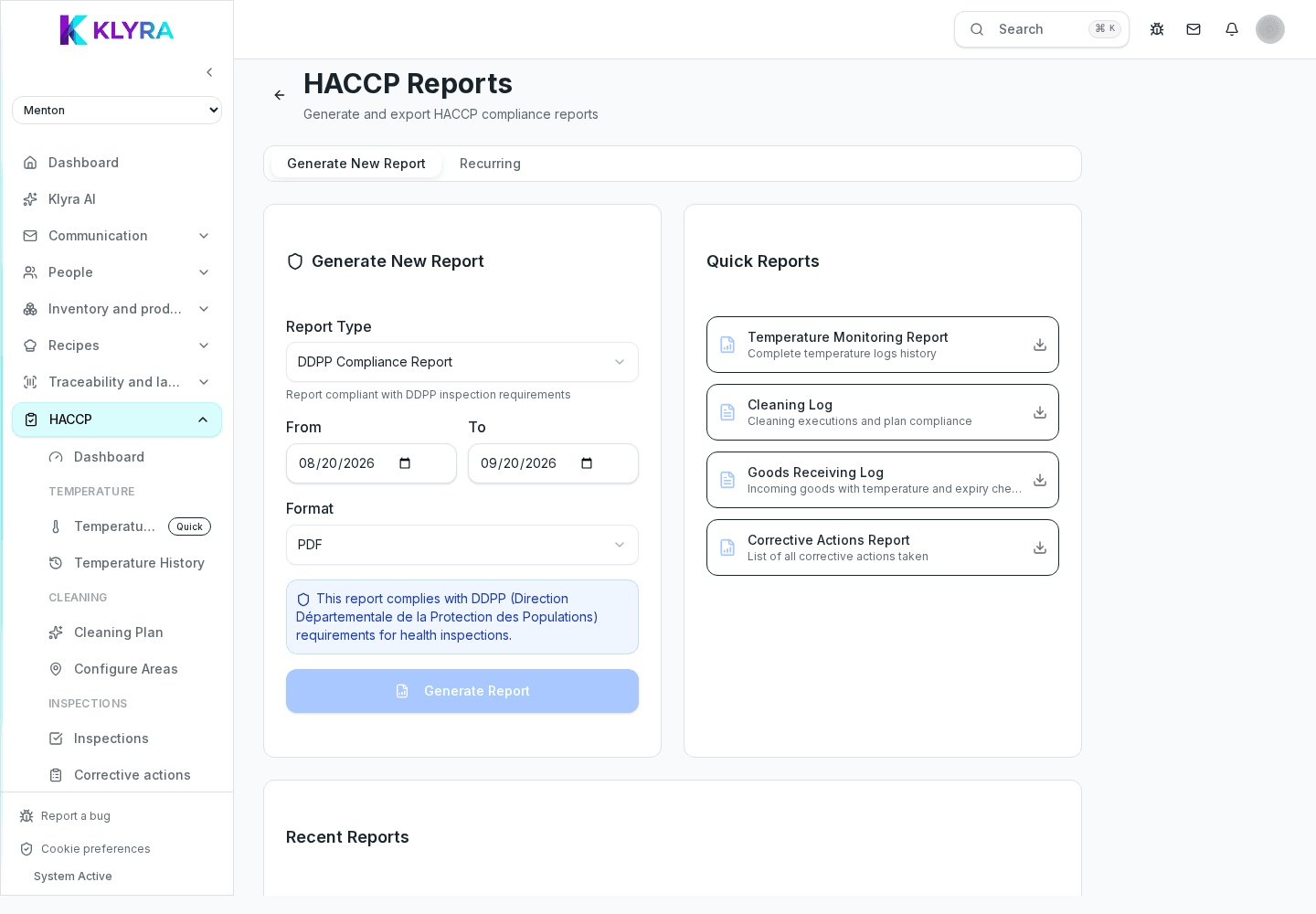
The HACCP report by period, site or area gathers completed activities, recorded temperatures, the cleaning plan and corrective actions: it is the main document to export before a visit. If equipment with temperature ranges is registered at the site, also export the equipment log with status and maintenance.
Besides the HACCP report, prepare the batch traceability export: from Traceability you can reconstruct where an ingredient came from and which preparations it was used in, linking receipts, delivery notes and production batches. It is often the first thing an inspector asks about for a specific product on sale that day.
From each employee’s HR file you can export HACCP training documents and fitness certificates uploaded to their record, with their expiry dates. Actual staff attendance for a given shift is shown by the timesheets generated from Station clock-ins, useful to prove who was on duty on a checked day.
It helps to have ready, in this order: the HACCP report for the requested period, the up-to-date equipment log, traceability of any batch or product in question, and the training documents of the staff on duty that day. Corrective actions opened in the past and already closed show that anomalies are not ignored.
Show the HACCP report for the relevant period first, then answer specific questions (a batch, a temperature, a cleaning task) using traceability or the specific history. Avoid exporting the whole archive unless asked: a report targeted to the period and site in question is easier to assess.
Do I need to prepare anything in advance for an inspection?
If the self-control plan is filled in every day, you just export the reports at the time of the check: nothing needs to be reconstructed manually.
What do I show the inspector first?
The HACCP report for the period and site under inspection, then any deeper detail on traceability, temperatures or training.
Is staff attendance proven with timesheets?
Yes, timesheets generated from Station clock-ins show who was on duty on a given day and shift.
Can I export traceability for a single batch?
Yes, from the batch record in Traceability you can export the link between receipt, preparations and finished product.
Was this guide helpful?
Still need help?
Describe the issue: page, location, organisation and role are attached automatically.
Contact support