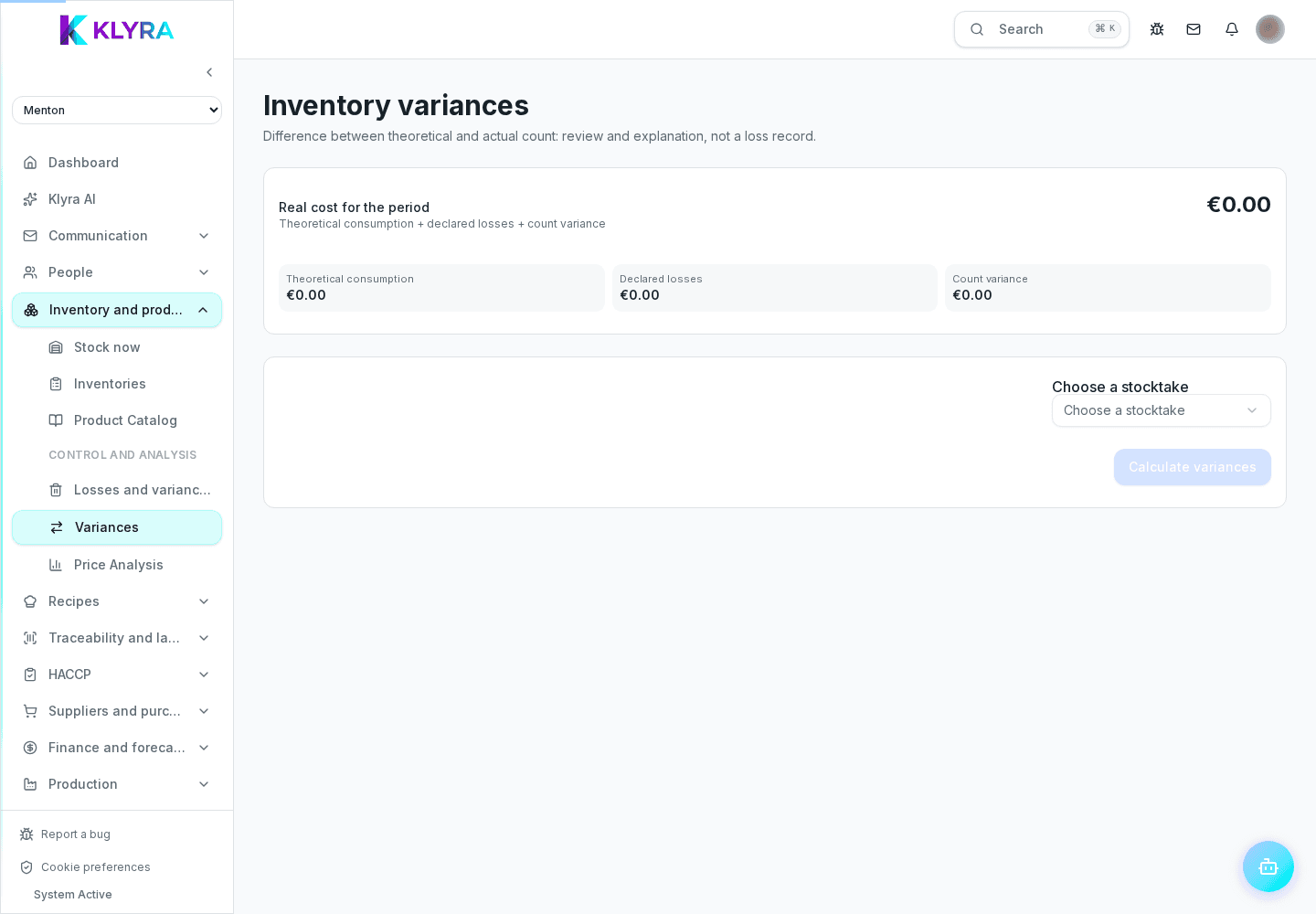
How to analyse variances between theoretical stock and the physical count after an approved inventory, and explain them.
After closing and approving an inventory, the variances page calculates the difference between what the system expected based on recorded movements and what was actually counted, also showing the economic value of the difference.
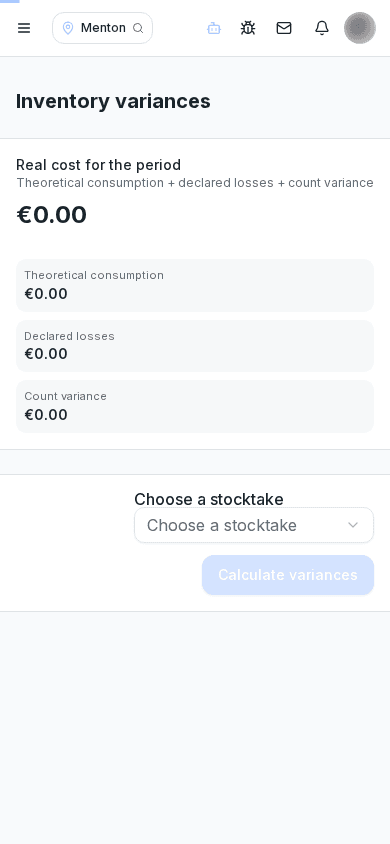
This view is separate from manually recorded losses: here the difference comes from comparing theoretical and counted stock at inventory time, not from a voluntary report of breakage or expiry.
Select an already approved inventory and run the calculation: KlyraOS compares theoretical against counted quantity for every product, showing the quantity and economic value of the variance, plus the total shrinkage for the period.
For each line you can add a free-text explanation: a recording error, untracked consumption or suspected theft. Documenting the cause makes the data useful in later months.
Checking it right after every approved inventory helps catch a recurring problem on a product or department early, before it becomes a hard-to-fix habit.
What is the difference between this page and losses?
Losses are voluntary reports of breakage, expiry or returns; variances emerge automatically from the theoretical-vs-counted comparison of an approved inventory.
Can I compute variances on a still-open inventory?
No, the calculation requires an already approved inventory, so the counted data is final.
What is the point of adding an explanation?
It documents the likely cause of the variance, making the analysis more useful in later periods and during an inspection.
Does the total shrinkage include all products?
Yes, it sums the economic value of all variances calculated for the selected inventory.
Was this guide helpful?
Still need help?
Describe the issue: page, location, organisation and role are attached automatically.
Contact support