How to plan production orders, run them, transfer products between sites and analyze yields and costs.
The Production module connects recipes to daily kitchen or lab work: it plans what to prepare, records what was actually made, and keeps traceability of the generated batches. It's the bridge between recipes, inventory and labels.
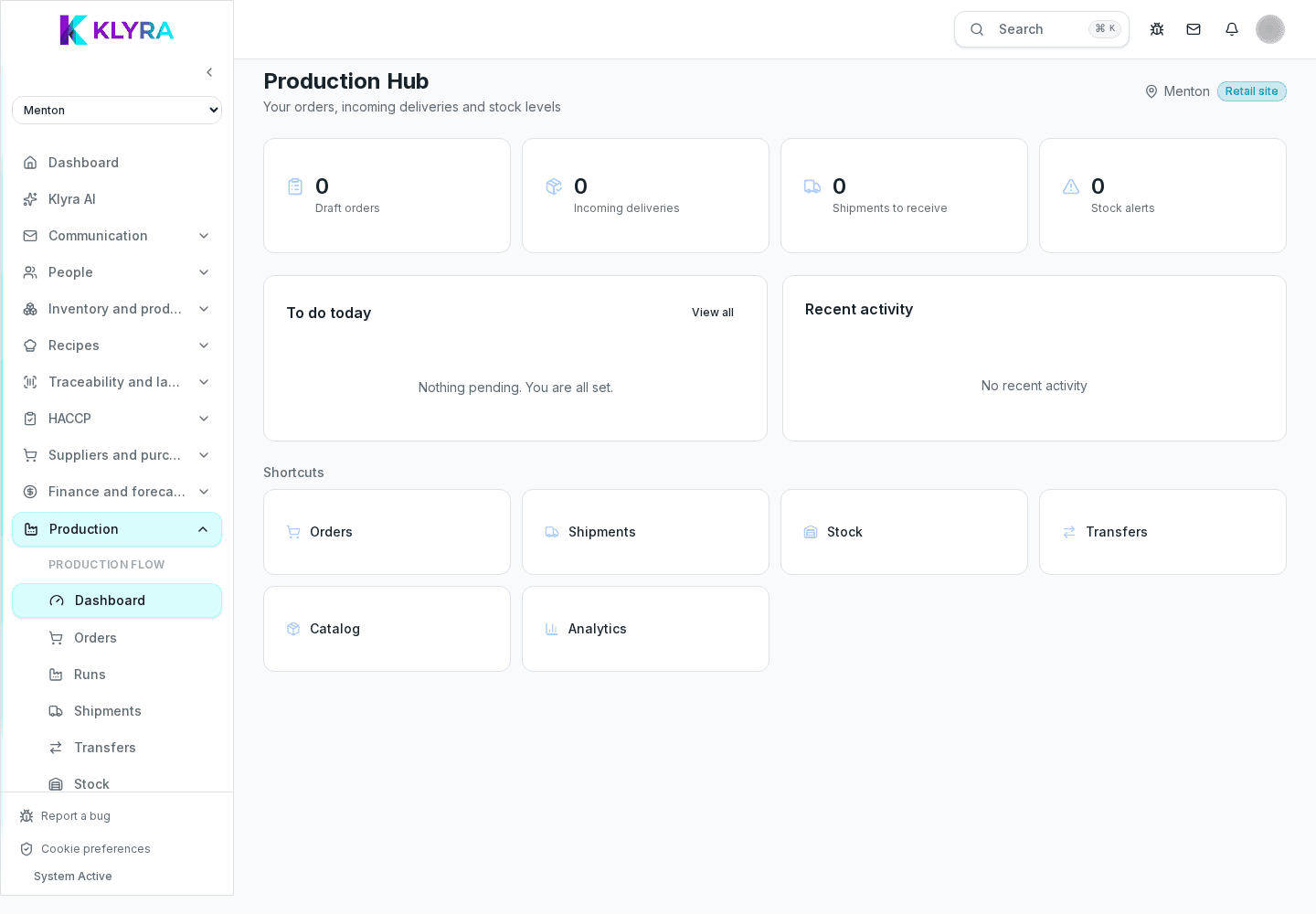
A production order links a recipe or sub-recipe to a required quantity, a date and a responsible station. The order shows the automatically calculated raw material requirement, so you can check in advance if stock is enough.
Orders can be created one by one or from a weekly plan for recurring preparations, such as bases or doughs.
When the work is finished, the execution records the actual quantity obtained, deducts raw materials following the FEFO rule, and generates the output batches with expiry calculated from the recipe's shelf life.
Any waste must always be logged as a loss linked to the order, so it doesn't stay hidden in the average cost.
Organizations running a central kitchen can transfer produced batches to other sites: the transfer deducts stock at the origin site and creates a pending receipt at the destination, keeping end-to-end traceability.
Besides internal transfers, production can generate shipments to external customers linked to the produced batches, useful for contract manufacturing or deliveries to partner outlets.
Production reports compare theoretical vs actual yield, and theoretical vs actual cost, by recipe, station or period. They help spot recipes to recalibrate and inefficient runs.
Can I create a production order without a saved recipe?
No, an order always requires an existing recipe or sub-recipe: it's what enables automatic requirement and cost calculation.
Does executing an order automatically generate a batch?
Yes, once the execution is confirmed an output batch is generated with production date and expiry calculated from the recipe's shelf life.
How do I handle recurring preparations like stocks and base sauces?
You can create a recurring production template and generate the orders automatically, only adjusting the quantity when needed.
Can I send products made in a central kitchen to other sites?
Yes, through site-to-site transfers, which keep batch and expiry consistent along the whole path.
Where can I see if a recipe consistently produces more waste than expected?
In the yield and cost analysis, filtering by recipe or station and comparing several consecutive weeks.
Was this guide helpful?
Still need help?
Describe the issue: page, location, organisation and role are attached automatically.
Contact support