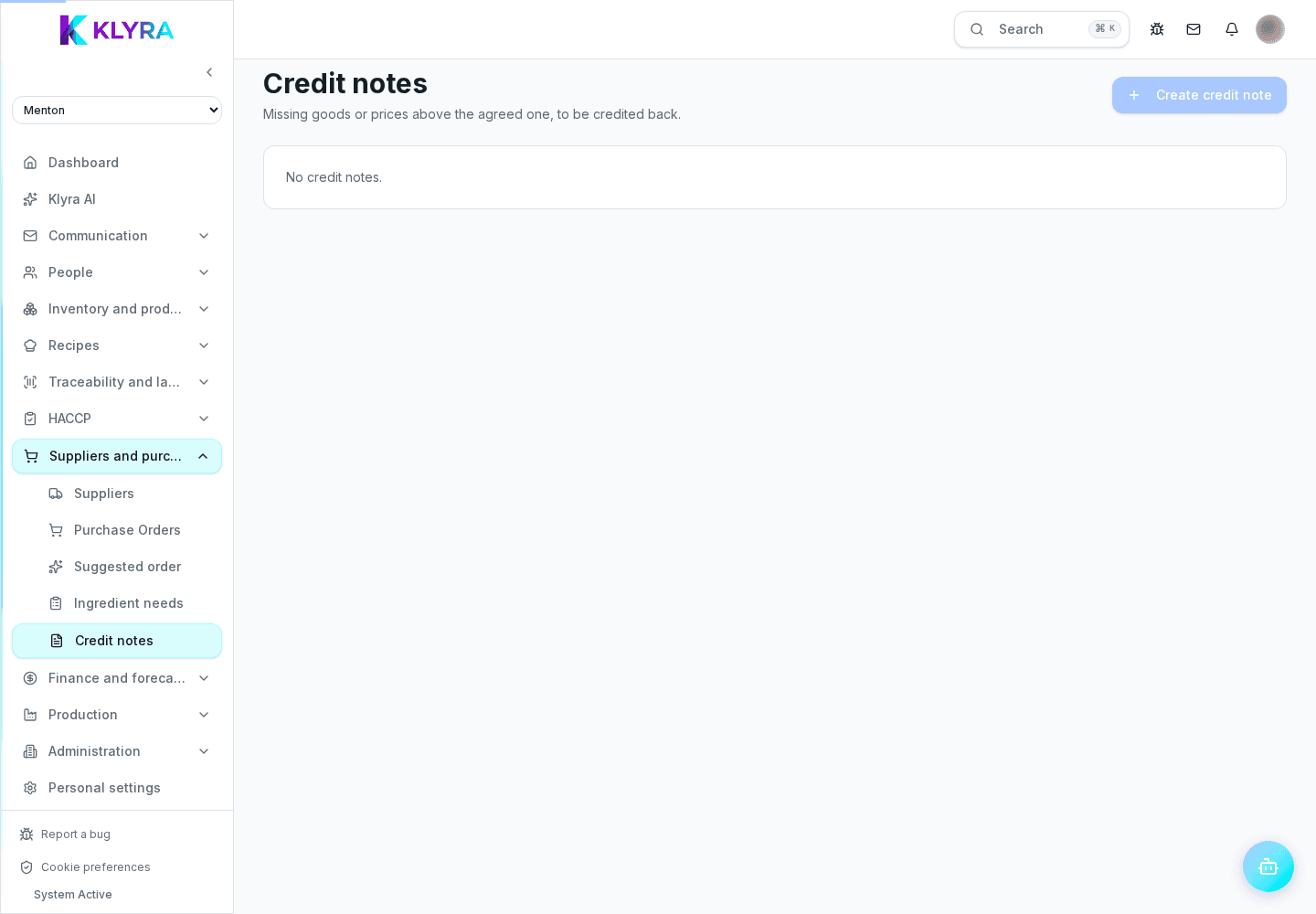
Create a credit-note request from missing quantities or higher prices, review its lines and track the outcome.
KlyraOS turns discrepancies already recorded at goods receiving into a reviewable supplier credit-note request. Lines are suggested and never sent automatically: a person chooses what to claim and updates the status after speaking with the supplier.
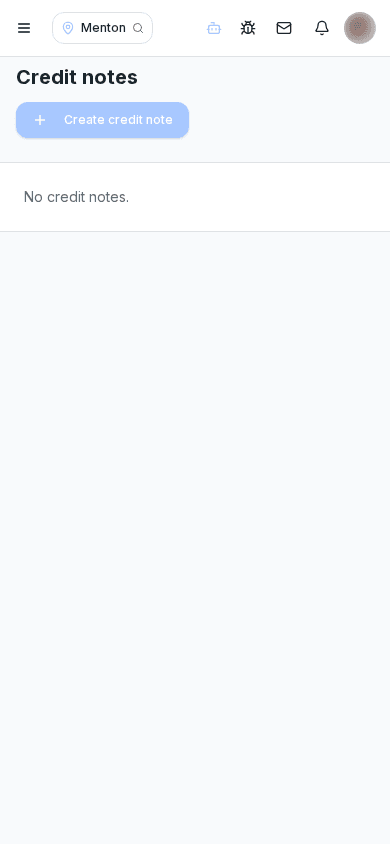
Choose a recent receipt. KlyraOS suggests lines where received quantity is below expected quantity, actual unit price is above the expected price, or both. The amount is calculated from the receiving record.
Select only the discrepancies you want to claim. Exclude a corrected or already resolved line; a credit note can be created only when at least one line remains selected.
A new credit note is Open. After contacting the supplier, mark it Sent; when they reply, update it to Accepted or Rejected. You can also cancel a claim that is no longer valid.
KlyraOS records the request and amount, but you must verify the supplier response and actual accounting document. Do not rewrite the receipt to force a match: preserve both what was received and the claim outcome.
Is the request sent automatically?
No. KlyraOS prepares and records it, but sending and every status change require a person.
Can I claim only selected lines?
Yes. Include or exclude every proposed line before creation.
What creates a price discrepancy?
An actual unit price above the expected price stored on the receiving line.
Does an accepted credit note change stock automatically?
No. It documents the financial claim and never rewrites recorded quantities or batches.
Was this guide helpful?
Still need help?
Describe the issue: page, location, organisation and role are attached automatically.
Contact support