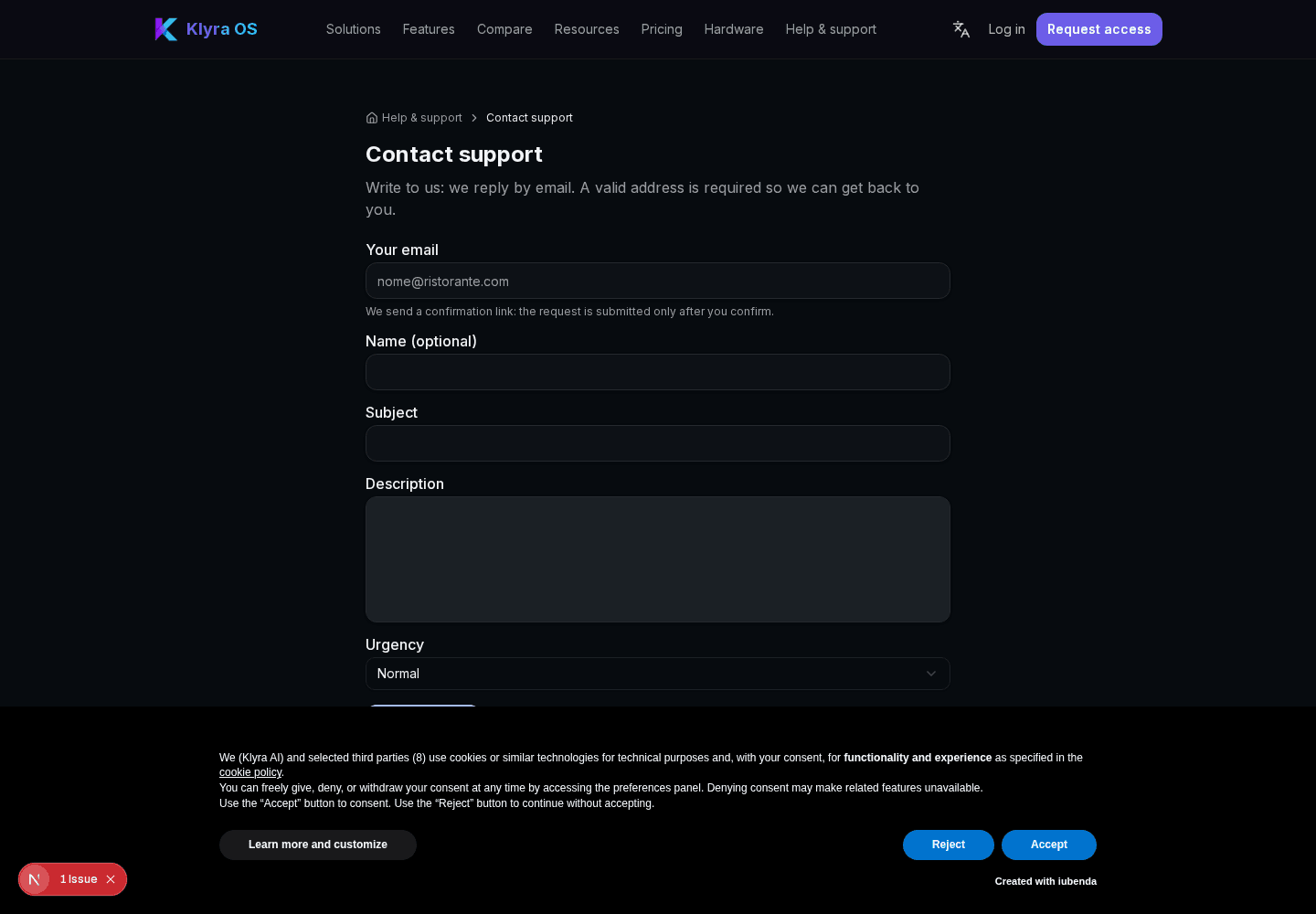
How to diagnose the most common errors in KlyraOS and report a problem or contact support effectively.
Before contacting support, many issues can be solved with a few quick checks. This overview lists the most frequent causes and shows how to report a problem so the support team can help you faster.

Most issues come down to three things: network connection, the selected active site, and your role's permissions. Checking them takes a minute and solves most cases.
If a page stays blank or data doesn't show up, try reloading it or switching the active site from the top menu. If the issue persists across several pages, it may be an unstable connection.
Photos and QR scanning require camera permission granted to the browser or app. Labels that don't print are often due to a disconnected Brother printer or a print queue blocked by a previous error.
If you don't see data you expect, check that you're on the correct site and have permission for that section. Clockings are only recorded from on-site Station tablets: signing in from a phone or an unpaired tablet won't produce a clocking.
The ladybird button, available on every page, lets you report a problem while automatically attaching page context. For more complex requests, open a ticket from Support > My requests and follow updates from the same panel.
Why does a page stay blank even after reloading?
It's often the active site: switch it from the top menu or check you have permission for that section.
Can I clock in from my phone?
No, clockings only happen from paired on-site Station tablets, using a personal PIN.
How do I quickly report a problem?
Use the ladybird-shaped button on every page: it automatically attaches useful context for support.
Does KlyraOS place automatic orders to suppliers if data is missing?
No, no order is ever sent automatically to suppliers: every order needs manual confirmation.
How do I track the status of a support request?
From Support > My requests you can see the status and updates of every open ticket.
Was this guide helpful?
Still need help?
Describe the issue: page, location, organisation and role are attached automatically.
Contact support